

4 Things You Should Never Do When Your Smartphone Gets Wet
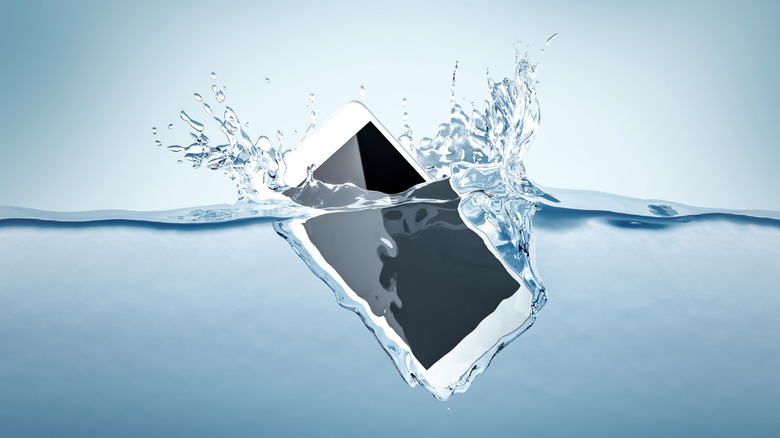
Accidentally submerging your phone in liquid is terrifying. While many modern smartphones are more water-resistant (with an IP rating of 6 or higher), you still shouldn't submerge them for long periods or in deep water. There are also liquid substances that aren't 100% composed of water can leave a sticky residue behind that requires thorough cleaning before use. So it becomes difficult to know when things become truly fixed and safe to use again. Fortunately, some Samsung phones have safeguards that prevent charging and show a moisture-detected warning, which turns off USB capabilities or tells you to unplug it immediately. Other manufacturers have something similar.
Still, drying a wet phone can be tricky, so users may resort to unorthodox methods to speed up the process. But if done incorrectly, you can actually make the problem worse, or damage your close-to-$1000 device completely. The internet is sometimes a treasure trove of secrets, but not all of them are helpful, which is why we discuss myths and bad practices when dealing with a wet phone.
Do not plug in your wet phone to charge it
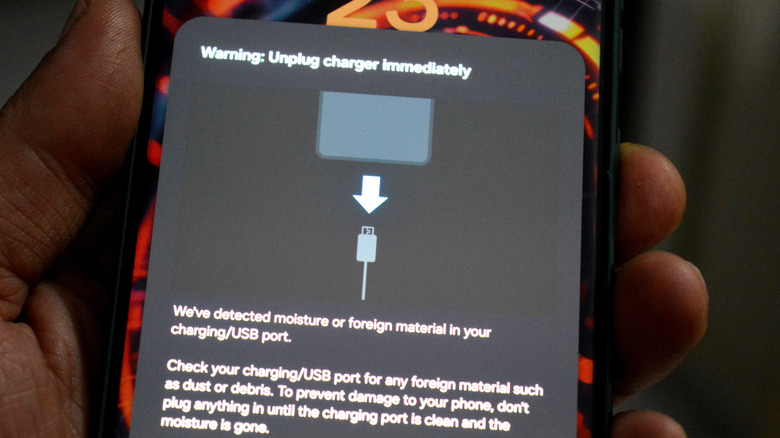
Charging your phone while it is wet is a sure way to short-circuit it. Water conducts electricity, which can create unintended pathways for current to pass through the port and connectors. Some manufacturers, like Apple, Google, and Samsung, include moisture sensors in their phones that detect water droplets. If the sensors detect water droplets, they'll prevent you from charging the device.
If you absolutely must charge it (like in an emergency), consider wireless charging, since it doesn't involve the connectors and ports; it uses electromagnetic induction instead. Still, it's better to be safe than sorry, so let your phone dry for at least 48 hours before trying your regular USB-based charger again. But remember, patience is key: 48 hours is just a guideline, so you may want to wait a few extra days to be on the safe side.
Do not put your wet phone in dry rice
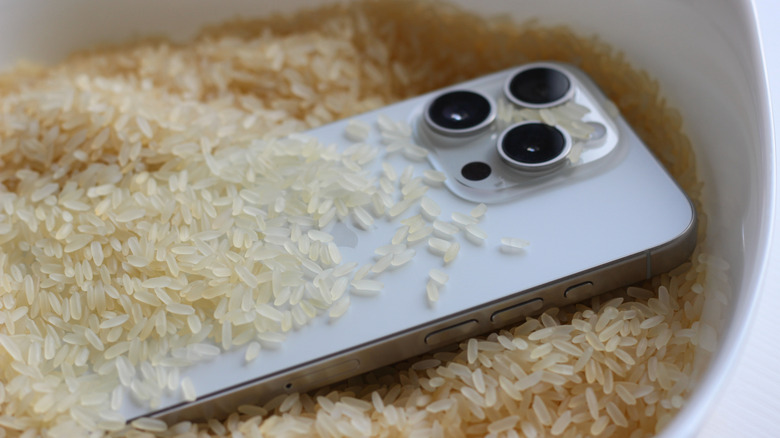
Try sticking your own hand in rice. You will quickly understand why you wouldn't want to do this, just by seeing how much dust is on your hand when you pull it out. The same applies to your phone, especially when it is damp; it will collect small particles that are hard to clean out. You are better off letting it dry naturally in the air than using a bag of dry rice. So the next time someone tells you to dry your phone in rice, ignore it; it's a myth and can actually do more harm than good.
If you are interested in this type of trick, there is a safer way to do it, but it isn't with rice. Honor and Asurion actually recommend using the smaller packets of silica gel you find in shoes and clothing to keep them sealed with your phone. These packets do a better job of pulling out moisture without opening the contents or putting them in direct contact with your device.
Don't excessively shake your phone to try to dry it
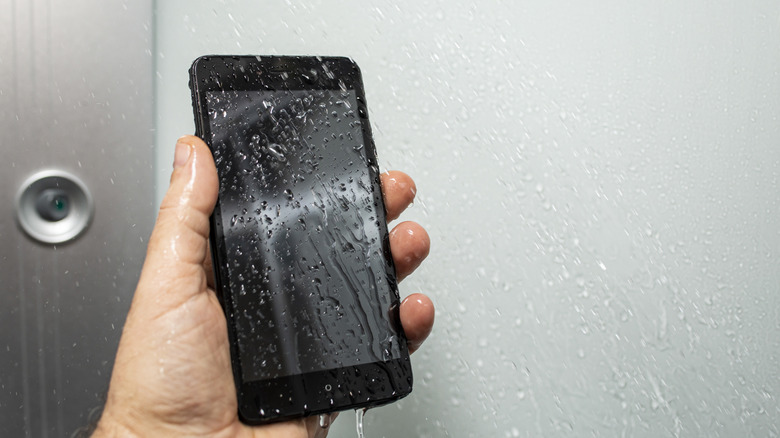
You can make the situation worse by shaking a phone that has been in contact with liquid (though it is fine to gently shake your device to dislodge some liquid). It's hard to see all the droplets that might have seeped inside, since some can be microscopic, so let gravity do its thing and let the process happen naturally. Also, aggressively shaking your device can push liquid deeper inside, making it even harder to remove trapped moisture without intervention, such as using another cleaning solvent that can absorb it.
While you dry your phone, keep the port side down, remove the case, and remove anything detachable. You should also ensure that it can dry in a well-ventilated area. If the device was submerged in liquid that isn't water, power it off immediately, since you'll need to take extra steps to clean it before you let it dry out. Samsung has guidelines for what to do, like using a disinfectant or an alcohol-based solution with a microfiber cloth to clean it.
Do not use an external heat source to dry your phone
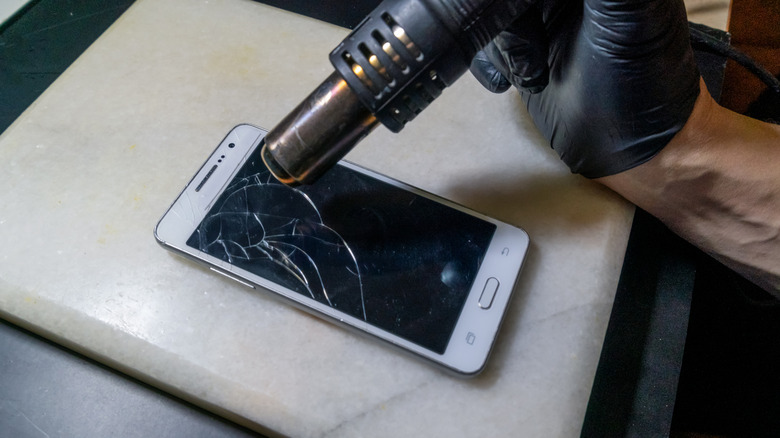
You might be tempted to plug in a hairdryer to expedite the drying process, but that's one of the worst things you could do. Don't put it in an oven or leave it outside in the hot sun, either, because it can only make things worse. Adding in heat sources can actually warp the frame and even damage the screen. Heat weakens and softens adhesives throughout the phone, including around the battery, back panel, and screen. You'll want to avoid this.
Another issue is a "sauna" effect, which turns droplets into steam. The steam can travel deeper into the phone. Then there's the lithium-ion battery. Heat is its arch-enemy. It can swell or rupture if it stays exposed to high temperatures. So putting it in direct contact with high heat sources is a sure way to ruin it. It's better to wait and let it air-dry, since you won't risk further damage. While you wait, keep your device powered off, as that should stop electricity from running through the wet components.