

4 Anker USB-C Cables You Need To Buy For Fast Data Transfer Speeds
We may receive a commission on purchases made from links.
Not all USB cables are made equal. In fact, almost everything uses USB-C ports now because it's a superior standard for versatility, charging speed, and data transfer. Speed matters for USB cables because modern users expect to move entire libraries of files in seconds or stream 8K video over USB in real time. Major tech reviewers often praise Anker USB cables for their excellent data transfer speeds and high-end build quality.
We took a close look at Anker's inventory and narrowed it down to four noteworthy USB cables for data transfer. Our list doesn't just name the fastest cables; finding the best USB-C cable for your devices is about more than the biggest numbers. Different data transfer speeds and wattages suit different tasks and port types. These Anker USB-C cables deliver fast data transfer at different speeds and price points. We explain how we chose these USB-C cables at the end of the article.
Anker Prime Thunderbolt 5 Cable
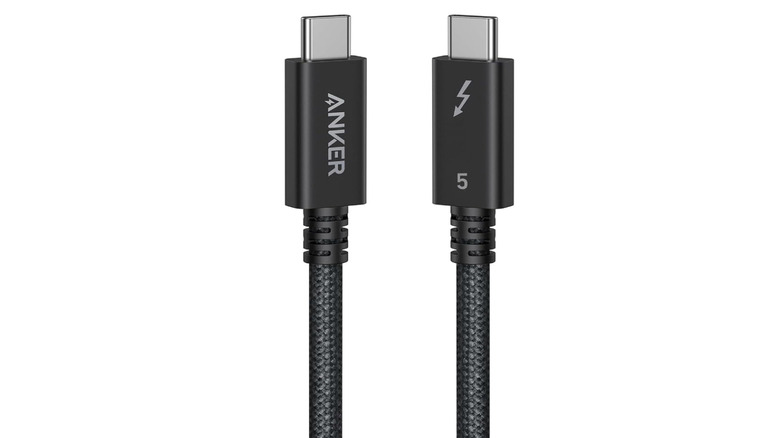
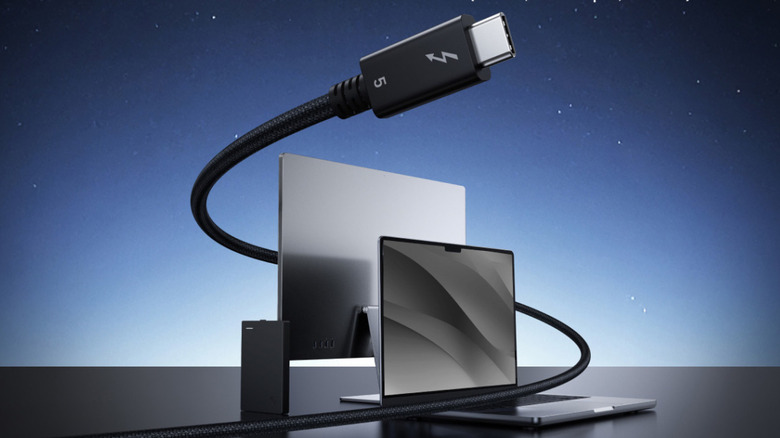
The Anker Prime Thunderbolt 5 Cable is one of the highest-end USB-C cables on the market today. It supports 80Gbps data transfer, fast enough to move a 5GB file in just one second. The cable also has enough bandwidth to support dual 8K displays at 60Hz. If you want to use it for charging, this 240W cable can charge a 16-inch MacBook Pro to 50% in just 26 minutes, according to Anker. All that speed comes at a price, though: the Anker Prime Thunderbolt 5 Cable costs $45.99 for the 3.3-foot model.
Before buying, it's important to know how Thunderbolt ports are compatible with USB-C and vice versa. Thunderbolt cables can connect to all existing USB-C ports, but you'll only get full Thunderbolt 5 speed if you plug it into a Thunderbolt 5-compatible port. Using a Thunderbolt 5 cable with an older USB-C device is fine. But given the extra cost, it's only worth it if you plan to use it with a device that fully supports it.
Anker 515 USB-C to USB-C 240W Cable
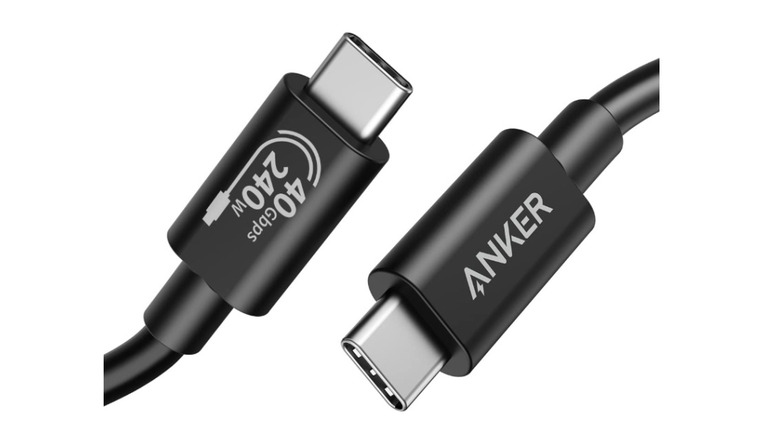
The Anker 515 USB-C to USB-C 240W Cable is a USB4 cable that's also compatible with Thunderbolt 3 and Thunderbolt 4 standards. It costs $29.99 for a 3.3-foot cable and supports 40Gbps data transfer when used with a USB4 or Thunderbolt USB-C port. That kind of speed can let you move an entire library of music or movies in less than a minute. The Anker 515 can also deliver enough power to fast-charge any high-end laptop. If you want to use it as a display connection, it can support 8K resolution at 60Hz or 4K at 144Hz.
There's a clear difference between Thunderbolt 4 and 5 USB-C cables; Thunderbolt 5 is twice as fast as its predecessor in most regards. However, the Thunderbolt 4 standard was introduced back in 2020, so there are many more devices that can benefit from the Anker 515 cable. For any scenario that doesn't involve a Thunderbolt 5 port, this cable's 40Gbps data transfer speed is the best you can buy.
Anker 333 USB-C to USB-C 100W Cable
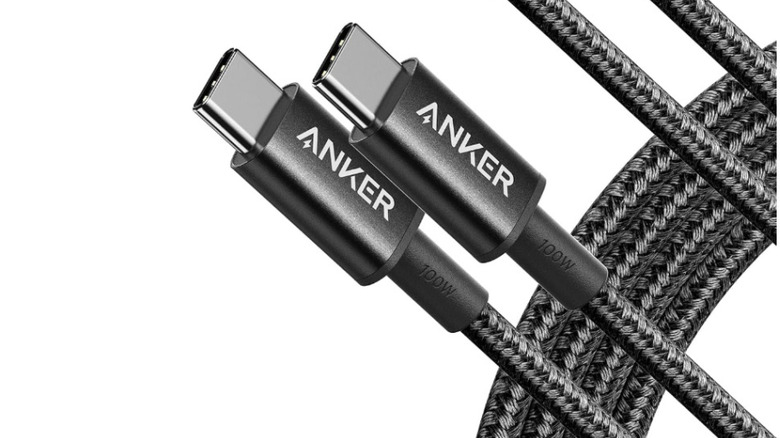
The Anker 333 USB-C to USB-C 100W Cable is a budget-friendly cable with a data transfer speed of 480Mbps. That's about 80 times slower than a Thunderbolt 3 or 4 cable, but the appeal here is price. You can get a two-pack of 6-foot Anker 333 cables for just $12.99. And since not every USB-C port supports speeds higher than 480Mbps, this is a more practical purchase if you're using a device without a USB 3.0 port or higher.
If you just need a charging cable, the Anker 333 supports a throughput of 100W, which is enough to fast-charge your smartphone and most laptops. It's also on Anker's list of cables with a lifetime warranty; it's part of the "New Nylon" family of USB-C to USB-C cables mentioned in the warranty table Anker provides. Overall, the Anker 333 is the best USB-C cable for most users because of its low cost and practicality.
Anker Nano USB-C to USB-C Cable
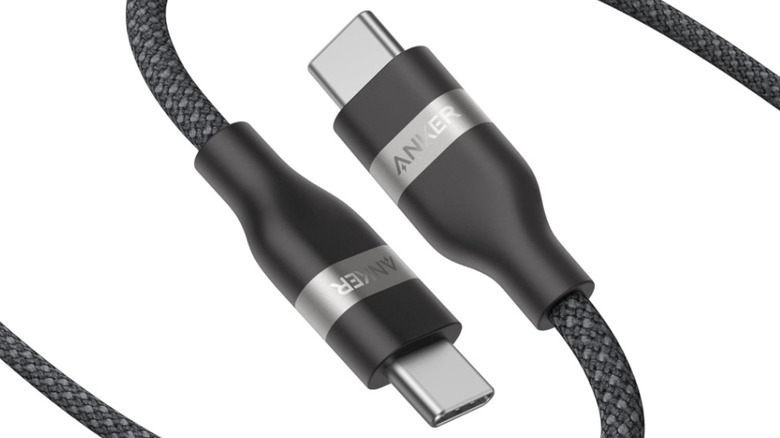
The Anker Nano USB-C to USB-C Cable is another 480Mbps cable, but with a 240W throughput. More wattage flowing through the cable means that the Nano is built to power more energy-hungry machines like gaming laptops or docking stations. It won't transfer files to those devices faster than the Anker 333, but it will charge them more efficiently. It's a bit pricier at $21.99 for a single 6-foot cable, but it's worth buying if you want one cable that supports fast USB 2.0 data transfer and charges your devices quickly.
Keep in mind that getting the best charging speed on your phone or other device takes more than a high-watt cable. To use a cable like the Anker Nano to its full capacity, you also need a power source and power adapter that can deliver 240W. For example, plugging the Anker Prime Charging Station into a wall outlet and connecting via USB-C from there would enable you to maximize your fast charging.
How we selected these Anker USB-C cables
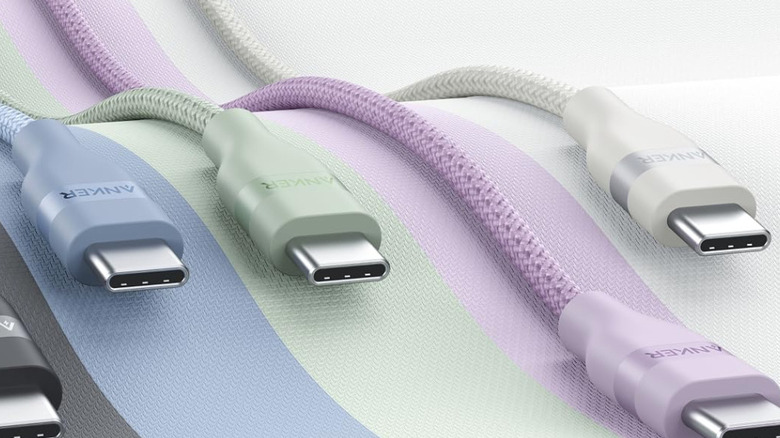
To help you find USB-C cables you can actually use for fast data transfer, we chose a selection of Anker USB-C cables suited to a few different port types. We curated this list to serve you whether you're using a high-speed Thunderbolt or USB4 port, or a standard USB 2.0 port. If you're not sure what type of port you have, check out our USB port identification guide so you can choose the best cable without overpaying.
Each USB-C cable on this list holds a 4.7-star rating or higher on Amazon as of the time of this writing. We also checked user reviews to make sure there aren't any commonly reported defects you're likely to experience. These are high-rated, well-reviewed cables that users attest are reliable enough to last you a long time.