

Your Old Google Home Device Is The Perfect YouTube TV Machine For The Kitchen
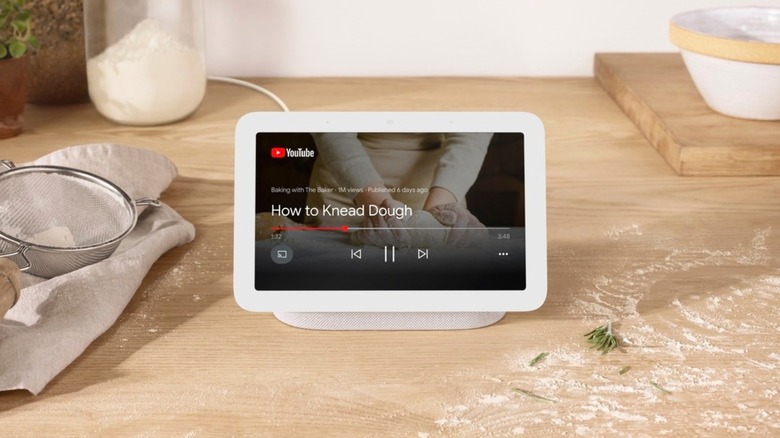
You're in the kitchen, trying to slather some Bone Suckin' Sauce on your ribs between quarters on a Saturday. From the other room, your buddy yells, "Game's back on. They're hiking the ball!" But you have more saucing to do. Luckily, you repurposed that old Google Home display you had lying around. You holler, "Hey Google, watch ESPN2 on YouTube TV," and you don't miss a moment. Yes, you can play YouTube TV on your Google Nest Hub. And if you're in the kitchen, it means no sauce on the screen or remote. You can tune in to what you want to watch anytime with just your voice.
To be clear, your Google Home device won't have the clearest picture. The second-generation Nest Hub is 7 inches with a 1,024-by-600 resolution screen. It works if you don't want to miss big moments going down in the living room, or if you just want to check scores or read recipes. The Nest Hub Max has a more substantial screen. It's 10.1 inches with 1,280-by-800 resolution. Not quite the screen you want to circle around for family movie night, but good enough to binge "Parks and Rec" reruns while prepping for a dinner party.
With either screen, you can give basic commands for YouTube TV like "Watch TV," "Louder," "Pause," or "Show me the TV guide." Both have touchscreens, so go ahead and swipe away after you wash up. Some users have reported YouTube TV not working on Nest Hubs. Cord Cutters News suggests upgrading your system from Google Assistant to Gemini for Home to fix the issue. If you haven't tried Gemini for Home, its basic version is a free upgrade loaded with hands-free features.
What else can you do with a Google Home display?
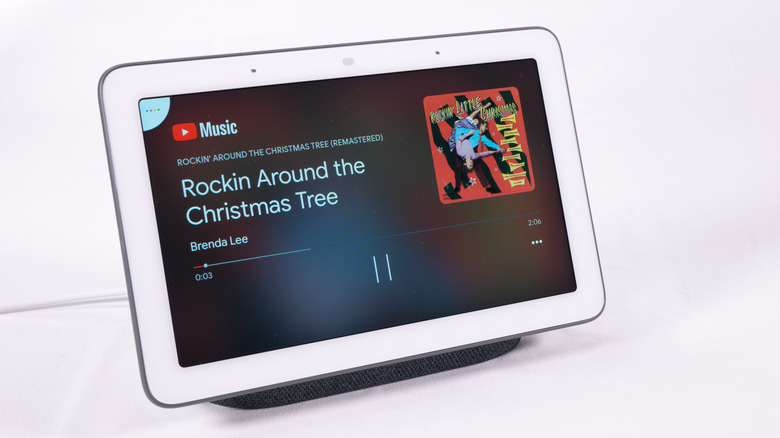
Google Home's viewing benefits go beyond the kitchen. The Hub uses Google Cast, which is the technology behind Chromecast. It supports most major video and audio streaming services, like Netflix and Spotify. Paired with a solid-sounding Google Home speaker, the Hub is a worthy secondary screen to watch financial news in the office or to check out surf videos while sipping mai tais at your backyard tiki bar. But its uses aren't limited to music and shows. Google suggests turning the Hub into a digital photo frame, controlling lights, and keeping a watch on security cameras. Owners have found other uses for their Google Home displays.
Some people use it as a baby monitor. High-end baby monitor cameras like the Nanit Pro are advertised to work specifically with Google Home. Just as you can make sure your baby is sleeping, you can keep an eye on your front door. Not a bad idea for tracking trick-or-treaters visiting rural homes or watching for porch pirates. Of course, the ideas go beyond in-home surveillance. One person on Reddit took Google's digital photo frame idea and ran with it. They made a shared album for their mother. Her grandchildren add to it when they go on vacations, giving her constant updates on their lives through her Google Home display. Those kinds of second-life uses can keep an older Hub from gathering dust, though it's still worth buying a new Google Nest Hub in 2026 if you're in the market for one.