

The 3 Most Common Problems With TCL Soundbars (And How To Fix Them)
TCL originally burst onto the home theater scene as a budget TV alternative to big name brands like Sony, Samsung, and LG. The quality of these TCL TVs has steadily improved over the years, causing their popularity to soar as they began to rival the competition at a cheaper price point.
To complete its home theater package, TCL developed a lineup of soundbars, ranging from a simple, single bar setup to a full surround setup featuring a bar, subwoofer and rear speakers. Like their TV counterparts, these soundbar systems have competed against some of the best soundbars available today.
Despite the brand's aforementioned dedication to quality, TCL's soundbars can run into the same common issues that accompany many soundbar systems. Some of these problems include audio cutting in and out of your favorite shows, a subwoofer or rear speaker in the system not full working, or even the soundbar itself not delivering any audio. While frustrating, there's usually a simple fix at the heart of these routine issues. Here's a look at a few typical TCL soundbar ailments, and the best ways to get things back on track.
The soundbar has no sound
Most modern TVs automatically send audio signals to a connected soundbar, especially when connected via HDMI ARC or eARC. So, after setting up a new soundbar system, one of the most numbing experiences is to power on your TV and hear ... nothing. Sometimes there's a clear indication that something is wrong, such as a flashing light on the soundbar. It's a common problem that can happen to any soundbar brand, not just TCL. More often than not, it's tied to a connection issue or audio setting that doesn't match for both the TV and soundbar.
To fix this issue, it's first important to check your connections. For instance, if you're using HDMI ARC or eARC, make sure your HDMI cable is connected to the correct ports on both devices. Once the connections line up, check to make sure the soundbar's input is correct. Most TCL soundbars have dedicated inputs for options like HDMI, optical, and Bluetooth.
It's best to ensure that the soundbar is set to the cable or connection that you're utilizing. If you still aren't hearing audio, you may need to adjust your TV's audio settings. It will vary depending on your TV brand, but find the TV's sound settings and toggle its Audio Output setting to either external speakers, HDMI ARC, or optical.
The soundbar's audio is cutting in and out
If you are, indeed, getting audio from your new TCL soundbar, another common issue is experiencing the bar's sound randomly cutting in and out. This issue can be mind-numbing, because it may not necessarily follow a pattern when it occurs. You may get a solid episode of TV in without any hiccups, then be plagued by it the next time you sit down to stream something.
The most likely culprit for this problem is your bar's connection to the TV. If your soundbar is paired to your TV via Bluetooth, try swapping to a hard-wired connection instead. While Bluetooth has evolved dramatically over the years as a technology, it's still the type of connection most susceptible to signal interference. In other words, there's a higher probability of audio cutting out or being out of sync than with other connection options.
That said, if you make the switch to HDMI or optical and are still having audio issues, check to make sure the cables are fully secured into the soundbar and TV's respective ports. Additionally, if the cables themselves are physically damaged in any way, consider replacing them to help remedy the issue.
The soundbar's surround speakers or subwoofer isn't working
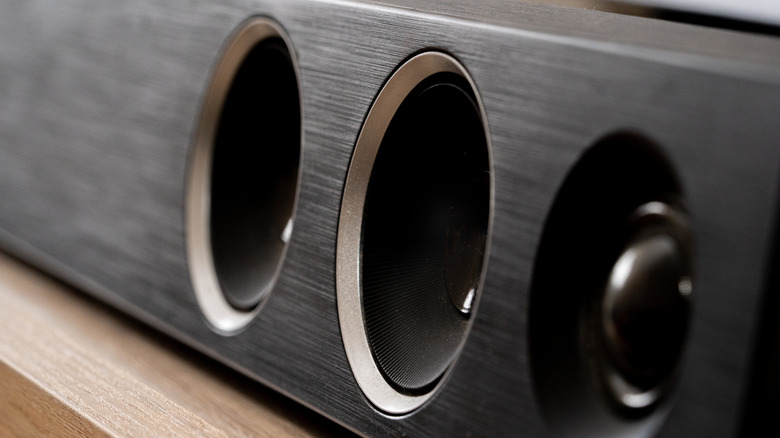
TCL has largely streamlined its setup process with its complete surround sound system packages, Effectively, after the soundbar, rear speakers, and subwoofer have been plugged into power sources, they should automatically identify each other and pair together. However, parts of the ensemble sometimes have issues making that seamless connection. If you can't hear the bass in the music or movies you're watching, or if there's no sound at all coming from your rear speakers, it's likely that they aren't paired to your soundbar.
The easiest solution is to unplug everything, then methodically plug each piece of the system back into power. Power up the soundbar first, since it effectively operates as the brains of the system. Move to the subwoofer next and complete the process with the rear speakers. If they still aren't connecting, you may have to manually pair each piece per the soundbar's included instructions.
It differs slightly from system to system, but it generally involves holding a reset button on the subwoofer or speakers as you plug them into power. Finally, if you are still experiencing issues with connections, audio, or anything else with your TCL soundbar, it might be worth reaching out to TCL's customer support team for additional troubleshooting.