

5 Common Problems With Google Home Devices
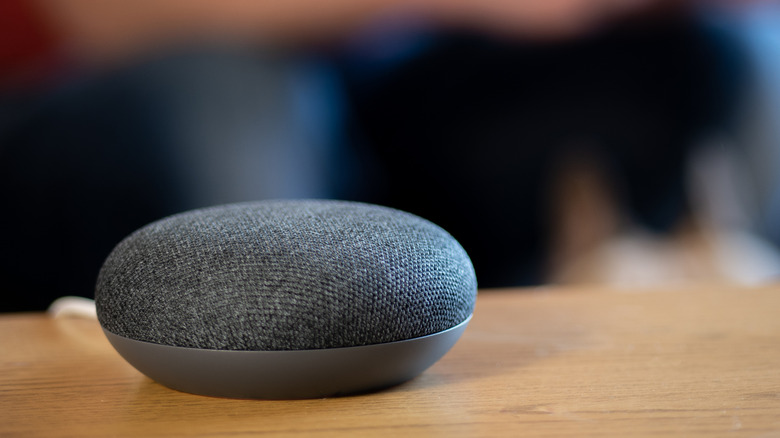
Google Home and Nest devices are fantastic bits of equipment to base a smart home around, on paper and when they're working, at least. I've been part of the Google Home ecosystem for nearly ten years now, and it's hardly been smooth sailing. I've powered through as I simply don't want to buy into a new ecosystem, but I'm not far off ditching my Google Home speakers for pastures new.
Out of 10,000 people, seven out of ten report frequent issues, and my daily morning arguments with my kitchen speaker trying to get it to broadcast to the kids' room are wearing thin. So I thought I'd help out my struggling readers with some of the most common Google Home device issues and how to fix them.
Having Google Home connected to power switches, doorbells, security cameras, thermostats, and more is the general idea of what a smart home should be, but connection drops, misheard commands and failing routines ruin the IoT future many want for their smart homes, pushing them to open-source solutions like Home Assistant. Here are some of the most common Google Home device issues, with some tips on making that smart home investment work for you again.
Intermitent Wi-Fi connectivity
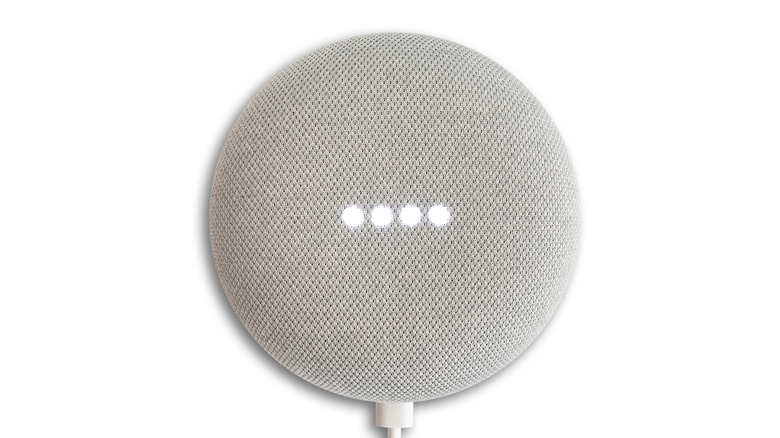
Wi-Fi issues are usually the easiest to fix without the intervention of Google, but they're also a common problem. "Have you tried turning it off and on again?" is solid advice, but it's not ideal to restart speakers every time they cut out. To properly reboot, open the Google Home app, find the misbehaving device, tap the three dots, select Settings, then More. Finally, hit Reboot. If users don't have their smartphones handy, just unplug it, leave it for about a minute, then plug it back in.
For one-off issues, this is usually the best fix, but if problems keep up, it's likely the home router or network is struggling with a large number of smart devices communicating at once. Spreading smart devices across different Wi-Fi bands, such as 2.4GHz and 5 GHz, can help. Investing in a Wi-Fi mesh system for better household coverage is a solid idea too. It will help better manage traffic and will provide a stronger Wi-Fi signal across the user's home. But before buying new equipment, it's a good idea to contact Google Support about ongoing issues, as it might be a software bug.
Personally, a quick restart usually solves the problem, thanks to having a Netgear Nighthawk RS700 router upstairs and an RS200 downstairs for regular use (expensive but worth the money), with a single Google Home router handling my smart devices. This is complete overkill, but it shows how dividing up smart devices can make a difference.
The wrong speaker answers
For homes with multiple speakers set up in earshot of each other, the wrong Google speaker chirping up instead of the one the user is standing next to is incredibly annoying. In my experience, Google Home undercuts its own voice recognition. For example, telling the kitchen speaker to set an alarm for 30 minutes while cooking, only for the living room speaker to respond and then play the alarm, isn't helpful.
Google Home suddenly forgetting another device exists seems to be a sticking point over the years also, but it's magically back a few hours later. There are a few things you can do in these situations to get voice commands working again.
First, make sure the mic isn't muted on the target speaker; on older models, it's usually a switch on the back or underneath the device. On newer models, it will show four lights or an orange light. If this doesn't work, make sure the speaker is away from anything noisy, such as dishwashers, open windows, TVs, and air vents. Finally, open the Google Home app, retrain Voice Match and speak clearly to Google speakers, making sure your commands are things the smart speaker can do.
Routine and automation failures
Having the heat turn on when you walk through a door is one handy thing a connected smart home can do, but if the routine fails to link the door sensor to the thermostat, users will be sitting in Winter wondering what happened. Likewise, saying "Good Morning" to a Google speaker can sometimes turn on some lights but not others, because automation is region- and language-locked and relies on complex triggers with smart home devices that can fail.
Users should check the activity feed to see when and why a routine ran, then make sure the routine is actually enabled. If this doesn't fix the issue, double-check that the correct devices are in the routine, which is a surprisingly easy mistake to make. If that doesn't help, verify location and presence sensing alongside location services, and make sure the Google Home app and device firmware are up to date.
It's annoying when this happens, especially after the kids get in bed and I can get on the couch and wind down for the evening, only to realize none of my living room lights turned on when they should have. But the steps in this section should fix the issue. Just be aware that any region and language changes can take up to 12 hours to reflect in the Google Home app.
Music and media stop and start issues
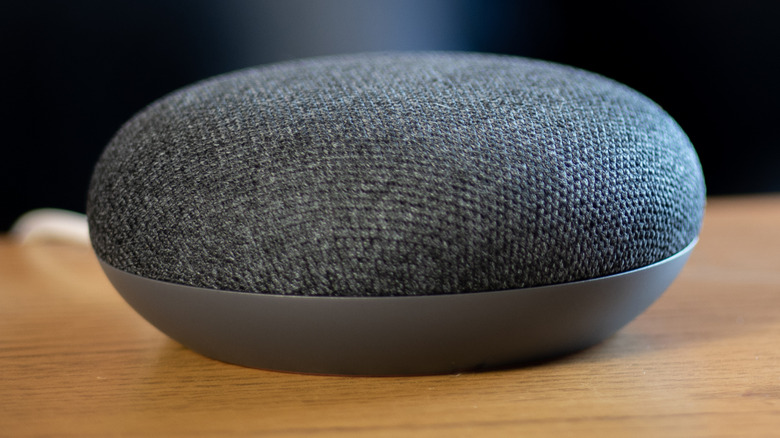
I absolutely need some music or a podcast playing when cooking, and my Google Kitchen speaker letting me down when I'm making a bolognese sauce is such a first-world problem. Personally, I use YouTube Music, but other apps like Spotify have similar issues where the music won't play, skips, or won't stop when it's supposed to.
Usually, restarting the Google Speaker fixes this issue, but it can be a stubborn problem. Another easy fix is to double-check the volume and make sure the mic isn't muted, which is easy to do on touch-enabled Google Home Mini speakers. If that fails, check for pending updates in the Google Home app, and make sure third-party apps like Spotify are linked properly in-app if needed.
Half the time this happens, I just cast a playlist from my phone, but it's not the point. In my personal experience, a simple restart of the speaker usually clears these issues up. YouTube Music seems to work the best with Google Home, which isn't much of a surprise considering YouTube is owned by Google. Other music apps like Apple Music, Deezer, Pandora, and Amazon Music should also work in specific regions.
App issues: Is it time to move platforms?
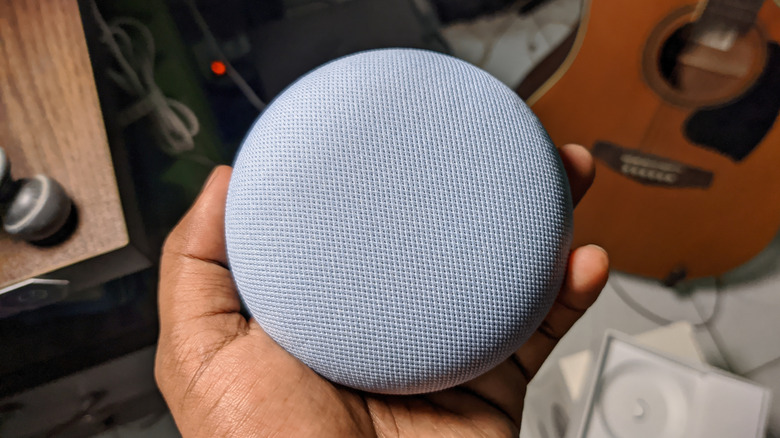
All things considered, Google Home speakers and other devices are only as good as the software driving them, and Google Home hasn't had the best record overall. I'm not the only one who's had random app freezes or needed to reinstall and clear the cache so that it would pick up a new device to set up. The move to Google Gemini was supposed to fix a lot of issues, but it's done little beyond giving Google Home users a different-sounding voice assistant.
It's a work in progress, with more powerful automations and features on the way, but ever since Google discontinued its Conversational Actions framework in 2023, voice commands for third-party devices and apps haven't been the same. Let's not forget that older speakers (which they all are at this point) go long periods without updates, and Gemini support is patchy on legacy models.
For someone like myself who's already invested in the Google ecosystem, it's worth taking on the quick fixes and seeing how Google improves the platform. FYI, I'm in the 65% of users who are already in this boat. If the fixes in this article haven't helped, there are some convenient alternatives. There's the obvious Amazon Alexa range, where the older-generation smart speakers and devices are quite cheap. If I do jump, I'm going to try Home Assistant, which runs locally on a user's network and gets monthly updates.