

What The Blinking Green Light Means On Your Roku Remote
We may receive a commission on purchases made from links.
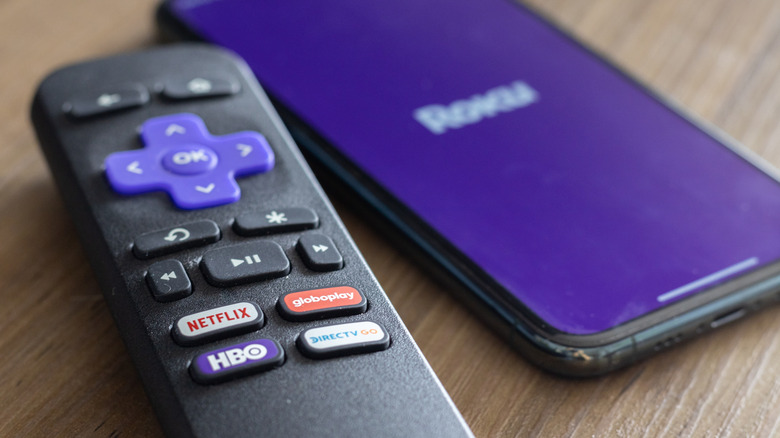
Whether you own one of Roku's streaming devices or a smart TV that's powered by Roku OS, all Roku-branded hardware comes with a remote control. There are numerous types of Roku remotes you can buy, and you can program certain versions to operate basic TV functions like power and volume — some even include a built-in microphone if you want to use Roku's voice assistant to search for movies and TV shows. Roku remotes often have an LED status light, too, and if yours is blinking green, it usually means that the remote is searching for a Roku device to pair to.
This may occur if your Roku remote batteries are low or if you're setting up a brand-new replacement remote for the first time. If the latter is the case, you'll need a second Roku remote or access to the Roku mobile app to set up your new remote control. Using either method, go to Settings > Remotes & devices > Add devices > Remote > Continue, then follow the on-screen steps to pair your new Roku remote to your Roku streaming device or smart TV.
Some Roku remotes also have a pairing button (typically on the back or behind the battery cover) that you may need to press and hold for several seconds. Once the status light starts flashing green, it means your remote has entered its pairing mode. If your Roku remote doesn't have a pairing button, try pressing and holding the Back and Home buttons simultaneously until the green LED starts flashing.
There are multiple Roku remotes on the market, and only certain models will control your TV
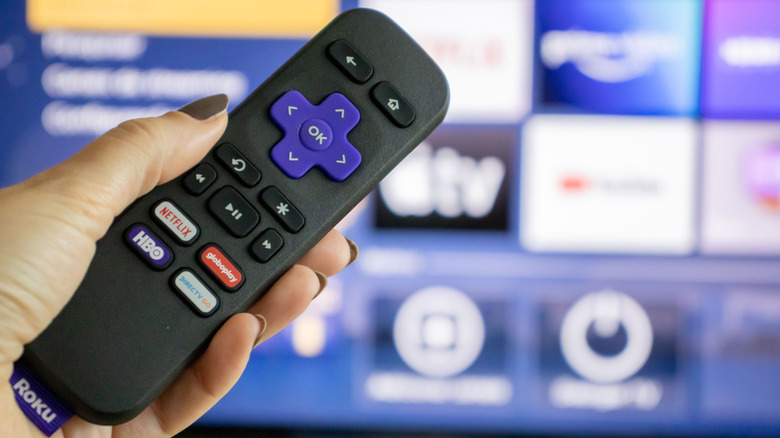
If the flashing green light on your Roku remote doesn't disappear after re-pairing it to your device, the blinking frequency may give you additional clues as to what's wrong. If the LED is blinking at a moderate pace, your Roku remote may be telling you that its battery level is getting low. (You can check the battery status by going to Settings > Remotes & devices > Remotes > Your remote > About.)
You may also come across a rapid blink pattern, which likely means your remote is on the fritz and it's time to replace it. Fortunately, you'll be able to purchase new remotes directly through Roku, as well as retailers like Amazon and Best Buy. You can even invest in an upgraded Roku remote — such as the Roku Voice Remote Pro (2nd Edition) — if you're interested in features like using your Roku TV to find lost remotes, USB-C-rechargeable batteries, and hands-free voice controls. At this time, there are three versions of the Roku remote available for purchase: Roku Voice Remote Pro (2nd Generation), Roku Voice Remote, and Roku TV Remote. The former two feature LED indicators to the left of the power button.