

9 Easy Ways To Cool Down Your Phone Without Turning It Off
We may receive a commission on purchases made from links.
There are many factors that can cause a smartphone to overheat. These include direct exposure to high temperatures, demanding loads on its processor and other components, and improper ventilation. The instant reaction when you feel your phone getting hot is to turn it off, but there are other things that you can do to cool it down.
An overheating phone may result in reduced performance, system crashes, and, in the worst-case scenario, an explosion. The Galaxy Note 7 fires from about a decade ago were caused by a design problem, but your phone's temperature may rise due to several other reasons. You should know all the options that are available to you in case your device starts to overheat.
We've gathered a total of nine methods that will cool down your phone, whether you've just noticed the overheating problem or the issue keeps happening. With these suggestions, you should be able to control your device's temperature before it gets worse, and avoid the risks that come with an overheating phone ... all without powering down.
Close apps running in the background
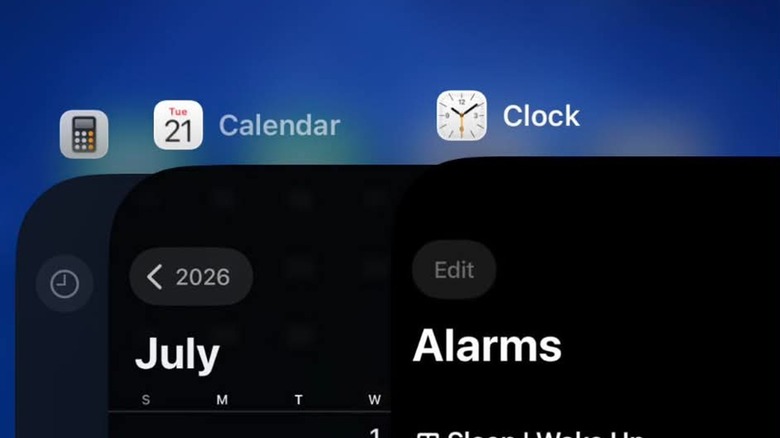
While you keep launching apps on your phone, you may be leaving some of them running in the background. If you do, they'll continue to stress your device's processor and consume energy from its battery. An overworked processor and a draining battery will generate heat, so too many background apps may cause a spike in your phone's temperature. You'll need to develop a habit of fully closing apps, instead of just minimizing them.
For iPhone users, swipe up on the screen to bring up a rolling line of apps that you have running in the background. You can close everything that you're not using by swiping up on their previews. Alternatively, you can go to Settings, then General, then turn off Background App Refresh completely or only for specific apps.
For Android users, go to Settings, then Apps, then select Force Stop for the apps that you want to shut down. You can also switch off Allow Background Usage for each app individually under the same menu.
Disable your phone's connections
While your phone's Bluetooth, Wi-Fi, and cellular data are enabled, it will always be scanning for possible connections. This extra processing generates heat that can increase your phone's temperature. Additionally, in areas where the network connection is weak, your device will keep searching for a more stable signal, and if you insist on using data-intensive apps like streaming services, the extra effort on the part of your phone's processor and antenna will generate even more heat.
If you're not using your phone with a Bluetooth device, or if you're using cellular data in places where there is no Wi-Fi network available, you should turn off those unused features if you start to feel your phone getting hot. When you don't need data for your phone at all, you can also place it in Airplane Mode, which shuts down all of its connectivity radios at once.
Meanwhile, if your phone is struggling to maintain a solid cellular connection, you should turn off the connection if your device is starting to overheat. Wait until you move to a place where the signal is stronger or you gain access to a Wi-Fi network before continuing what you were doing.
Pause your mobile gaming

Did you know that you can play Steam games on your Android phone? The ability to play games while you're on the go is one of the most popular reasons for upgrading your device, but some of these titles test the limits of its capabilities because of their heavy processing and memory requirements. If you've been playing a demanding game for hours, overheating won't happen just on budget gaming phones, as you'll feel it even on flagship devices.
Console-level mobile games like Genshin Impact and Call of Duty: Mobile require significant processing power, especially if you insist on maximum graphics settings, which may place a lot of strain on your phone's components and generate heat. If you've also got some apps running in the background, the temperature may rise even faster. Before your phone gets too hot, you should take a break from your game.
This also applies to other resource-heavy activities you can do on your phone, such as editing videos and streaming high-quality content. If you can feel your device starting to overheat in your hands, you should stop and put it down for a while.
Limit the screen's output
You probably already know that the brightness of your phone screen affects battery life, but there's another consideration. Setting brightness at the maximum level not only drains your charge faster, but it also increases your device's temperature because of the power draw. If you keep using your phone at 100% brightness, the risk of overheating is high.
If you're always using your phone outdoors, you can see your screen under the sun by installing an anti-glare screen protector instead of driving up the brightness level. Alternatively, you can turn on your phone's adaptive brightness feature so that it will automatically reduce the display's brightness when appropriate, which can also help keep your eyes healthy.
You can also shorten the time that your phone's screen is on, therefore decreasing the chance that it causes your device to overheat, by setting the display to turn off almost immediately after you stop using it. For iPhone users, this option is under Settings, then Display & Brightness, then Auto-Lock, from which you can choose as fast as a 30-second wait period. For Android users, you'll have to go to Settings, then Display, then Screen Timeout, where the options go as fast as 15 seconds.
Move your phone away from the sun
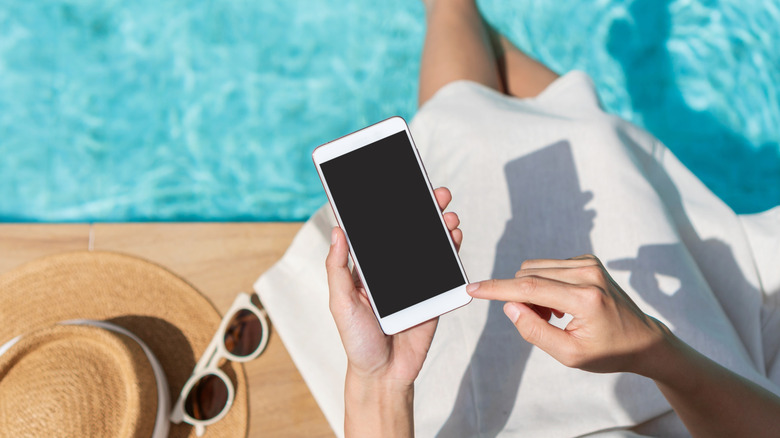
The sun is one of your greatest enemies if you want to prevent your phone from overheating. You shouldn't just avoid using your device while you're outdoors on a sunny day, as you also have to remember that you shouldn't leave it in your car or near a window. Phones are made partly of metal and glass, both of which don't play well with prolonged exposure to sunlight.
Even if it's turned off, your phone may get too hot under sunlight that's piercing through glass. There's a chance of melted components in your device, but the risk of an explosion is also definitely real. This is dangerously true in cars, where temperatures can climb really quickly when parked under the sun.
The simple solution to cool down your phone in these situations is to move it away from the sun or out of whatever really hot environment you're in. If you have to use your phone outdoors, you should find shade first. You should also remember to never leave your phone — or any electronic device, for that matter — in a hot car.
Improve your charging setup
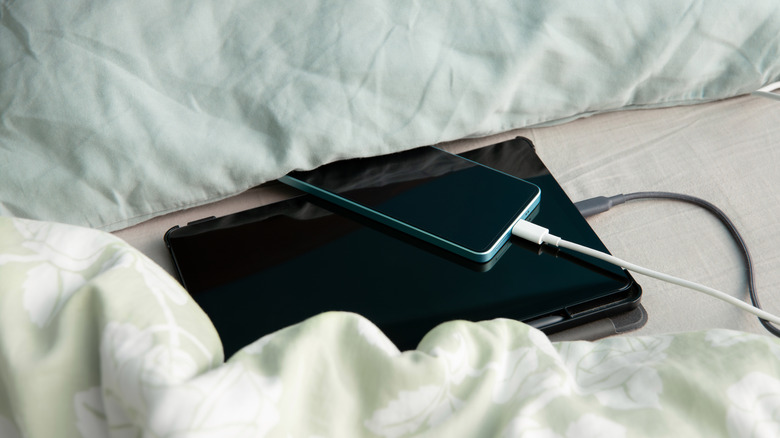
It's normal for phones to get warmer while they're plugged into a charger, so that doesn't automatically mean that you're charging your phone wrong. However, if your device starts to get too hot, you may need to make improvements to your charging setup.
If your phone is always overheating while charging, it may be because you're not using the device's original charger, or one that's approved by the manufacturer. Third-party chargers may not be optimized for the specific model of your phone, and may not have safeguards to regulate power. Any excess electricity will be converted to heat that will increase your device's temperature.
While charging your phone, it needs proper ventilation, so it should be on a surface without anything around it that may trap heat. This means you shouldn't place your phone under your pillow while it's charging, or keep it tucked in a closed bag while it's plugged into a power bank. Lastly, it's not recommended to use your phone for demanding tasks while it's charging. The combination of an overworked processor and the heat usually generated by charging may cause your device's temperature to increase too much and too fast.
Switch to a heat-dissipating phone case
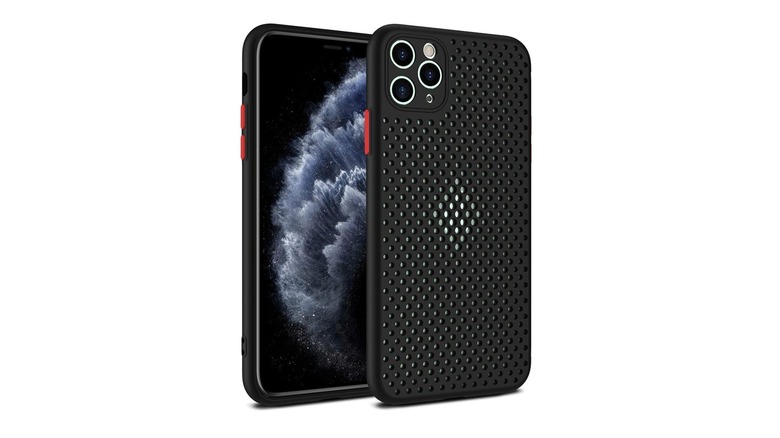
Another cause for an overheating phone while it's plugged into a charger is your choice of phone case. Thicker cases may trap the heat that's generated by charging (or heavy processing, for that matter) instead of allowing it to dissipate, and some materials, such as rubber and silicone, can retain the heat to a great degree. The quick way of cooling down your phone when this happens is to remove the case, but once you place it back on, your device may still get hot when you're playing games or using a demanding app.
If your phone is prone to overheating, you may have to switch to a heat-dissipating case that will help it cool down. This Mixneer heat dissipation phone case for the iPhone is a solid example, as it's a well-reviewed option on Amazon with 4.2 stars after more than 1,800 reviews. For $9.46, you'll get an accessory with a breathable design that can improve air circulation around your phone. For owners of the Samsung Galaxy S25 and earlier, there's the Anqrp phone case that features a grid design in its inner TPU (thermoplastic polyurethane) layer to avoid direct contact between the device and the case for better heat dissipation. It's $19.99 on Amazon, where it's rated 4.3 stars after almost 14,400 ratings.
Update your phone's operating system and apps
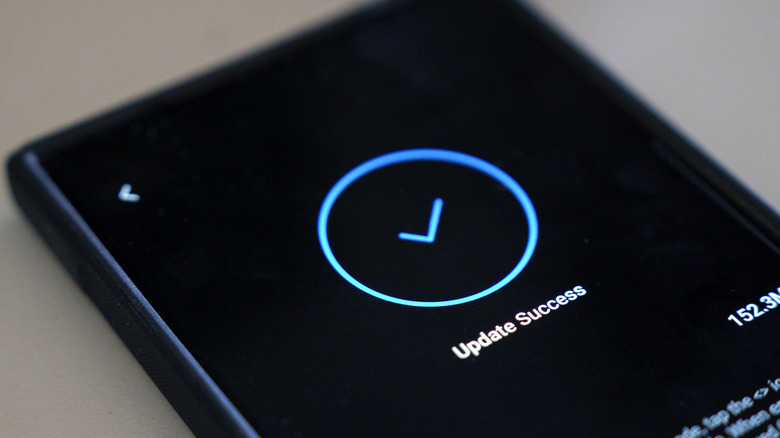
Overheating in your phone may also be caused by software. An app may be overloading the processor erroneously, or a bug in the operating system may be reducing the device's efficiency. If you feel that your device is getting hotter than usual, it would be wise to check if there are any updates available to download.
App developers and phone manufacturers will generally release updates as soon as they discover bugs that cause performance issues, including those that can make your device run hotter than intended. For example, Apple rolled out an update for iOS 17 in October 2023 to fix an iPhone 15 overheating problem. The series of phones had started shipping with the problematic version of the operating system about a month earlier.
Obviously, this isn't something that you can do while your phone is already hot. Downloading and installing updates will likely not cool it down instantly, but there's a chance that it helps prevent the problem once you've sufficiently brought down the device's temperature. Always checking for updates and installing them immediately helps protect against overheating in the future and also brings the added benefit of patching any security issues that have been discovered in your phone or apps.
Place your phone in front of a fan
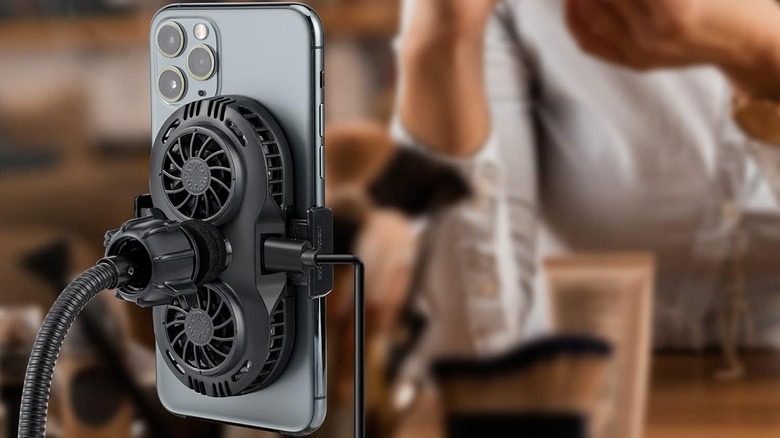
If all else fails, you can cool down your phone by placing it in front of a fan to blow air on it and help dissipate the heat. For best results, do this out of the sunlight and in an open area without anything around your phone for proper ventilation.
You can also buy a phone cooler and always have it within reach when your device starts to overheat. These attachments look like the Neveika plug-in phone cooler, which you can buy from Amazon for $20.89. This model with dual fans can be powered by your phone itself as a portable solution, or you can plug it in for constant power while you're indoors. Another example is the Lumivista cell phone cooler for $39.99, which has a detachable battery and can run for up to three hours on a single charge if you want to go completely wireless.
In any case, if your phone is overheating, you shouldn't resort to methods that will cool it down extremely quickly, like placing it inside your freezer for a few seconds. While modern devices are designed to remain operational in cold environments, huge swings in temperature may result in the formation of moisture that can damage your phone's internals.