

How To Expand Your Phone's Storage Without An SD Card
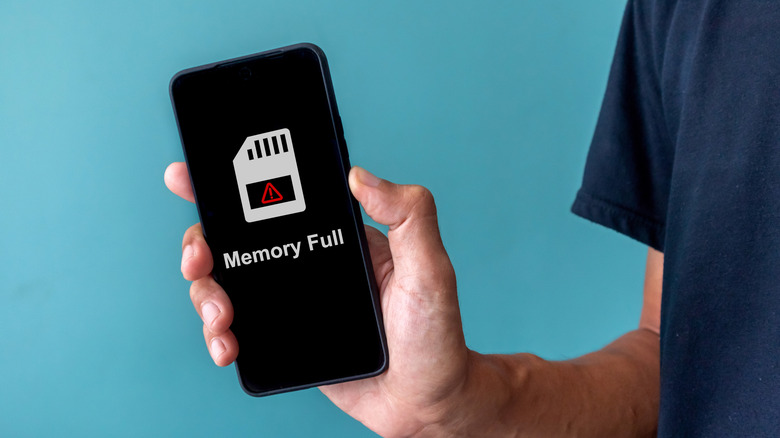
With modern phones serving as a one-stop-shop for all forms of media, it's frustratingly easy for your device's internal storage to become filled with music, photos, videos, and apps. The easiest way to remedy this is to just get more storage with the help of an SD card. But some smartphone brands have stopped using SD card slots, and not everyone wants to drop the cash on that kind of specialized storage. Luckily, there are other ways to broaden your device's reserves. You could use cloud storage services or invest in other formats of physical storage, like portable SSDs and thumb drives.
Because data space is such a persistent concern in the smartphone sphere, there are naturally many different ways of dealing with it. SD cards are certainly the most straightforward, unobtrusive option, and a few modern devices still rely on them. But if you can't use them (or you just don't have one), you don't need to start wiping all of the files out of your phone's internal storage just yet — though it certainly wouldn't hurt to do some housekeeping.
Use cloud storage and other types of physical storage
If you want to expand your phone's storage without spending too much money, look into cloud storage solutions. If you just want to move a few miscellaneous photos and videos out of your phone, the 15GB of free storage you get from using Google Drive is more than enough. You can access Drive on an Android smartphone through its dedicated app, so moving files back and forth is simple. If you ever needed more storage, you could sign up for a basic Google One subscription, which gets you 100GB of storage for $1.99 a month.
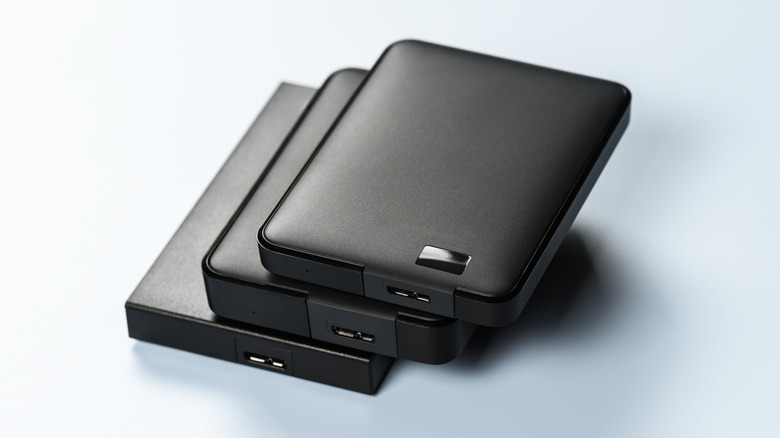
Of course, as there are some types of files you shouldn't upload to cloud storage, not everyone feels comfortable putting private data like photos up there. If you'd prefer to use physical storage, it doesn't need to be an SD card; thumb drives and portable SSDs are readily available as alternatives. A classic USB thumb drive, specifically a USB-C-compatible one, can be plugged right into your phone's port. At that point, you can move files back and forth from it using your phone's dedicated file browser app. Thumb drives can have storage space ranging from several gigabytes to as much as a terabyte, though they don't have the best read/write speeds.
If you're moving large quantities of data and don't want to wait all day for it, a portable SSD is an excellent choice, providing comparable storage space with much faster read/write speeds. Plus, some portable SSDs are MagSafe compatible, which is perfect for improving data capacity on a current-generation iPhone. But these physical options can get expensive fast, even with some brands attempting to save consumers from soaring memory prices.