

4 Disadvantages Of Mesh Wi-Fi Router Setups You Should Know About
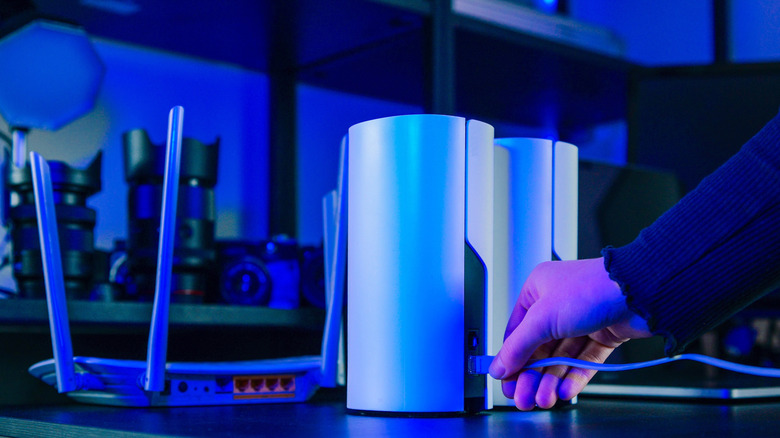
A Wi-Fi mesh system is made up of a primary router and one or more additional nodes that all transmit a Wi-Fi signal to create one continuous "mesh" network that covers a larger area. It's a convenient solution that can save you from relying on spotty extenders or running Ethernet cables through your entire home. But is mesh Wi-Fi really better? There are several reasons why mesh Wi-Fi is better than a regular router, primarily because each node in a mesh system can serve as an access point or router on its own. You're simply getting more coverage and better multi-device handling than you would with a standalone Wi-Fi router.
However, a mesh network is not a magical solution that can solve every problem. There are disadvantages of mesh Wi-Fi that will make you seriously consider the wire-heavy Ethernet method after all. User reviews highlight the most reliable Wi-Fi mesh systems, which may be somewhat more effective at mitigating the issues listed below, but it's impossible to fully predict how Wi-Fi signals will behave in the unique layout of your home. Before investing in an expensive mesh system, consider whether you're willing to live with these possible drawbacks.
Mesh networks are susceptible to interference
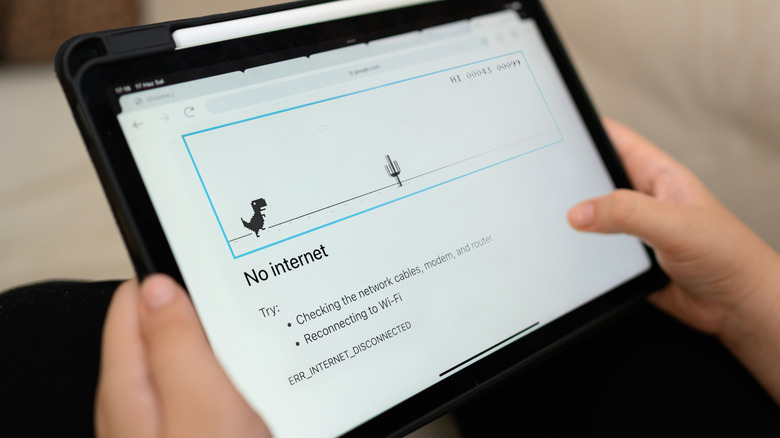
You will experience some degree of latency with every "hop" between mesh nodes. This is because wireless signals must travel from the node to the primary router before reaching the internet. Not only is this travel time a factor, but your home likely has walls, furniture, various other wireless signals, and countless other things that cause Wi-Fi interference.
Depending on your network setup, you might notice very inconsistent download and upload speeds from node to node within your home. In extreme cases, users on Reddit have reported frequent and random disconnects or dropouts between nodes. This can occur due to node placement, outdated firmware on respective nodes, or network channel traffic — all issues that are possible to troubleshoot, but they're certainly more frustrating than the plug-and-play simplicity of an Ethernet cable. If you already own a mesh system and are considering buying a new node to address interference, try these things that can speed up your internet without replacing the router.
You may lose speed with mesh Wi-Fi

Even if your network environment has thin walls and few sources of interference, you might still lose speed with mesh Wi-Fi. This is because all of the nodes in most dual-band mesh Wi-Fi systems have shared backhaul bandwidth. Backhaul is the communication of signals between a Wi-Fi router and its satellite nodes, and it can only handle so much activity at one time. This means that if one family member is connected to the node in the kitchen and streaming a movie while another family member is playing online video games in the bedroom via a separate node, they are actually consuming the same backhaul bandwidth.
If they were performing their activities one at a time, the nearby nodes would give them fast speeds even if they were far from the main router. But because they are using bandwidth at the same time, they may experience slower connection speeds, which cancels out the benefits of being on a mesh network in the first place. When shopping for a Wi-Fi mesh system, it's important to consider if it has enough backhaul to handle all of the activity in your home or office.
Alternatively, you can set up wired access points instead of wireless mesh nodes. While not as convenient, you can directly connect an access point to your main router via an Ethernet cable. This gives each satellite its own dedicated backhaul, and because it's wired, its baseline speed will usually be faster than that of a wireless connection.
Having too many nodes is a problem
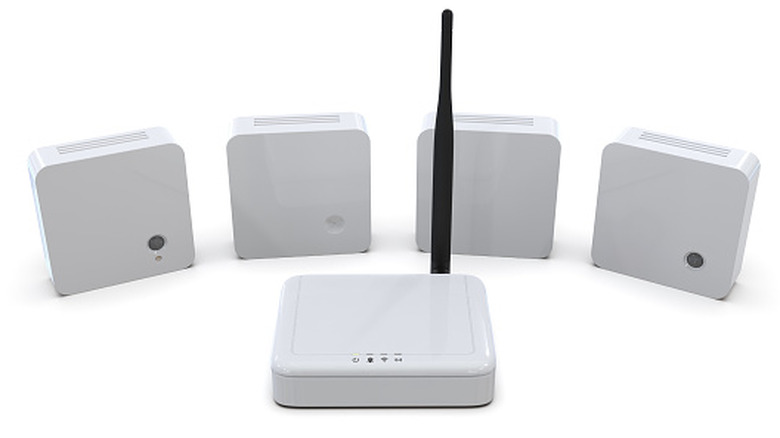
There's a reason most mesh systems come with only two or three nodes. While it's usually possible to add as many nodes as you'd like to your mesh network, you don't want to go overboard. A good rule of thumb is to limit your mesh to no more than four nodes. This is enough to cover any multi-level home, most places of business, and even some office complexes. However, each node you add will increase the number of hops that a signal must make before it reaches the internet, and the overall increase in traffic on the network will make interference a more pronounced problem.
So what should you do if you find yourself in a situation where you need more nodes in your mesh system? At this point, it becomes practically mandatory to start hardwiring some of those nodes to the router. Even if it's only feasible for you to connect one or two of your nodes via Ethernet, doing so will go a long way toward conserving backhaul bandwidth and minimizing wireless traffic in your network.
Wi-Fi mesh systems are expensive
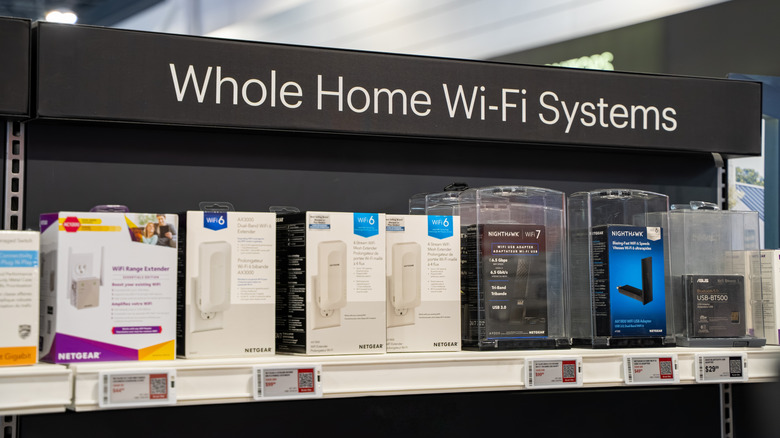
It may seem like an obvious point to make, but it's worth emphasizing that many situations simply don't call for the purchase of a Wi-Fi mesh system. What are you actually getting when you pay for one? It's a seamless Wi-Fi network that conveniently covers a very large area, but you often sacrifice granular control over advanced network configurations like VLAN tagging or custom DNS options.
You're also paying for much more network coverage than you might realistically need; if you just want the Wi-Fi signal to reach one room further, it's overkill to invest in a mesh system that might double or even triple the signal range. In these situations, a Wi-Fi extender is often the more practical solution. While there's a case to be made that there's simply no need for Wi-Fi extenders anymore, there's also no logic in overpaying to fix a problem that a cheap solution can solve.
Even some of the best Wi-Fi extenders you can buy on Amazon go for as little as $25 during sale periods. With minimal setup, these gadgets plug straight into an electrical outlet and repeat your network signal for 100 feet or more of extra range under ideal conditions. If you're just experiencing a small network dead zone, an extender can be an elegant way to bypass some of the disadvantages you might experience with a mesh Wi-Fi router system.