

You Can Preserve Your Retro Games Library Using Blu-Ray Players Now - Here's How
We may receive a commission on purchases made from links.
You can easily back up modern video game save data, but backing up an entire game, especially a retro title, is another matter. Unlike the Xbox or PlayStation 5, you can't just copy game data onto an external hard drive. But if you have the right Blu-Ray player, you can rip the files right off a game disc.
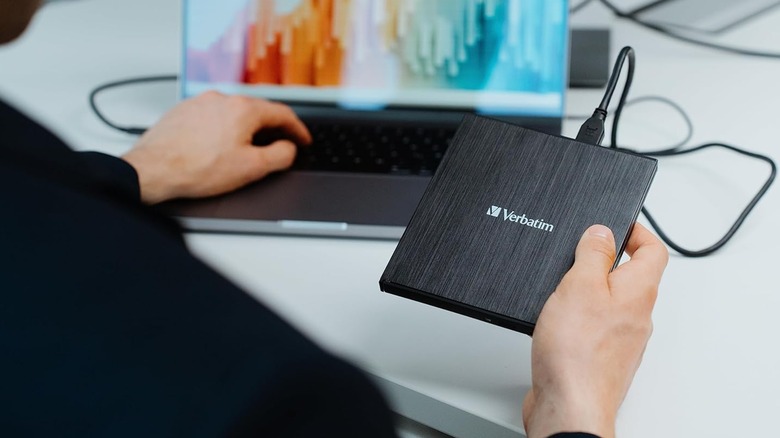
A new piece of firmware known as OmniDrive recently launched for a very specific line of Blu-Ray players. The download page says the update improves the disc-reading capabilities of compatible drives, which lets these devices read and copy data from proprietary game discs. These include original Xbox, Xbox 360, GameCube, and Wii games. According to the developer of OmniDrive, the firmware was designed for Hitachi-LG Data Storage optical drives that use the MediaTek MT1959 chipset. However, the upgrade works with multiple disc drives with that chipset. These include models like the LG BU40N, LG WP50NB40, ASUS BW-16D1HT, and Verbatim 43889 (sorry, but the best 4K Blu-ray players aren't on this list).
Of course, you probably wonder what you can do with this data. Starting your own retro game preservation library is a great idea, but then again, what good is a library full of books if you can't read any? Once you have the game files (better known as ROMs), you can use emulation programs to play them. Yes, video game emulation sits within a legal gray area, but many law firms agree that owning and using emulator programs themselves is perfectly legal; the issue comes down to the games' ROMs. Downloading them from third-party sites is considered piracy, but if you rip them from discs you own, then it's generally considered legal.
Some discs aren't compatible

Without the OmniDrive firmware, optical drives that the use MT1959 chipset can't copy any game data; they're just standard Blu-Ray players. The installation process can prove tricky, especially if you've never, say, manually updated your router's firmware. Luckily, Archades Games' has provided the full instructions, but even after you have installed the firmware, you should be wary of a few limitations.
Blu-ray players with OmniDrive can copy data from several retro game discs, but what about the last peripheral Sega released before the company stopped making consoles, the Dreamcast? According to the firmware's GitHub page, the current version of OmniDrive can only read the "low-density" areas of Dreamcast discs, i.e., the inner track that most CD players can read. This means you can't currently copy any Dreamcast games with a MediaTek MT 1959 chipset drive, so if you want to play underappreciated cult classics like "Illbleed," you'd better hope your Dreamcast is in working order.
More modern game discs also suffer from similar compatibility issues. You can insert PlayStation 3, PS4, PS5, Xbox One, Xbox Series X|S, and Wii U discs into a Blu-ray player running OmniDrive, but any game data it copies will be encrypted. Depending on the format, you can use a (potentially illegal) disc dumper or decryption software, but that's only if you want to emulate the games. If you would rather just preserve the data for posterity's sake, you can leave them as is.