

Why Battery-Saving Apps Might Actually Be A Myth
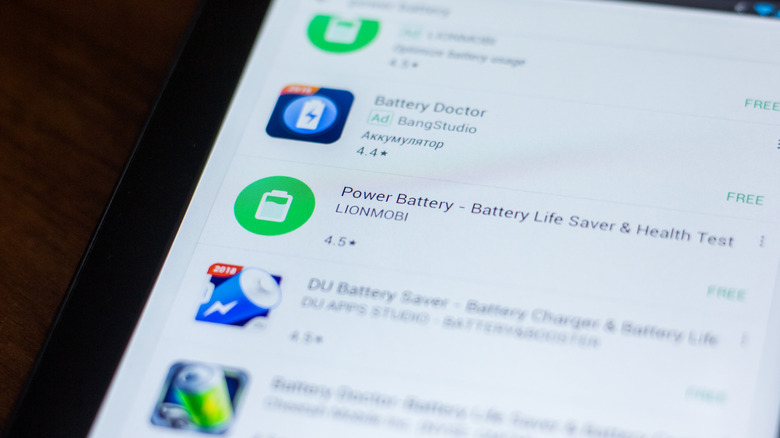
For the longest time, the idea of battery-saving apps has appealed to users, whether it be for smartphones, tablets, or laptops. But as surprising as it may sound, they are not as useful as they're advertised to be. On the contrary, a battery-saving app can actually drain more battery. Or worse, the app could include malware designed to steal data from your device. So, why do so many people still install these?
Phones have come a long way, from gadgets that allowed calls and texts to feature-rich devices that can do almost everything. That came at a cost: poorer battery life. Most of us charge our phones every day, if not more frequently. Then came design changes like bigger screens and thinner bodies, adding to the problem. While recent developments in technology have largely made up for it, users still scramble for ways to extend battery life, even if it requires installing third-party apps.
If you look through the App Store or Google Play, you will see countless apps in this category, with most being pushed as one-tap solutions. You hit a button, and the app instantly optimizes your smartphone for power efficiency. But that's not how it usually works.
Battery-saving apps may make things worse for you
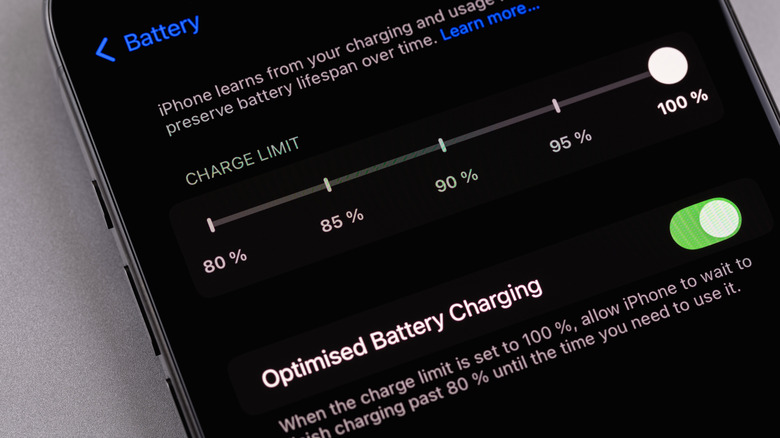
First things first, modern smartphones feature a wide array of built-in optimizations designed to extend battery life. These monitor activity and limit anything that's not needed, from network usage to background apps. Most phones come with optimized battery charging, a feature that learns your device usage patterns and accordingly optimizes the charging rate to increase the battery's lifespan. You also have the Charge Limit functionality on modern iPhones and similar features on Android devices to improve overall battery life.
A battery-saving app pretty much does the same thing. So, you're essentially getting no additional value, but you are sacrificing a share of storage and system resources. Similarly, the app may conflict with these built-in optimizations and override the defaults, leading to poorer battery performance. Many battery-saver apps also terminate inactive processes, which again delivers no real-world benefits on modern smartphones. Instead, it can actually increase battery drain, since many of these processes attempt to relaunch and are terminated again, leading to an endless loop that isn't good for your phone's RAM or battery.
Lastly, we can't ignore the impact battery-saving apps themselves have on the battery. Most run continuously in the background to monitor your phone's activity and performance, which consumes both resources and power. Your phone now has to deal with an additional process, one that's typically more aggressive than the rest.
Disabling unused features works better
If battery-saving apps are largely a myth, it begs the question: What actually helps extend your smartphone's battery? First, you should let the OS, whether it's Android or iOS, take care of background apps. It's more capable than ever. If you want, turning off background app refresh will help as it reduces background activity. Similarly, disabling features you are not actively using — say, turning off Wi-Fi when using mobile data or disabling Bluetooth when no device is connected — reduces battery drain.
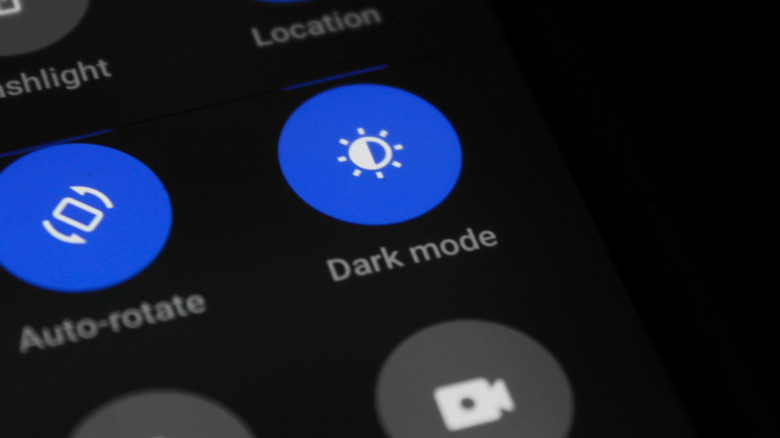
Your phone's display is also among its most power-consuming components. Slight adjustments to the display settings, like manually reducing brightness or enabling adaptive brightness features can play a major role. Switching to dark mode helps as well, since displaying bright white colors consumes more energy compared to darker colors on OLED displays. Apart from that, disabling location and microphone permissions for apps that don't need them helps, too. Many apps access these in the background, leading to higher battery consumption. For instance, voice assistants can use power if they're listening for activation phrases like "Okay Google" or "Hey Siri," so disabling wake-word functionality can help.
In all, these simple changes will deliver longer battery life compared to most battery-saver apps. The only reason to consider a third-party app is when you want to gain deeper insights into the battery status, charging, and other related data. Although, on newer versions of Android and iOS, most of this information can be found within your phone's settings.