

USB-C Cables Are Great, But They Come With One Major Annoyance
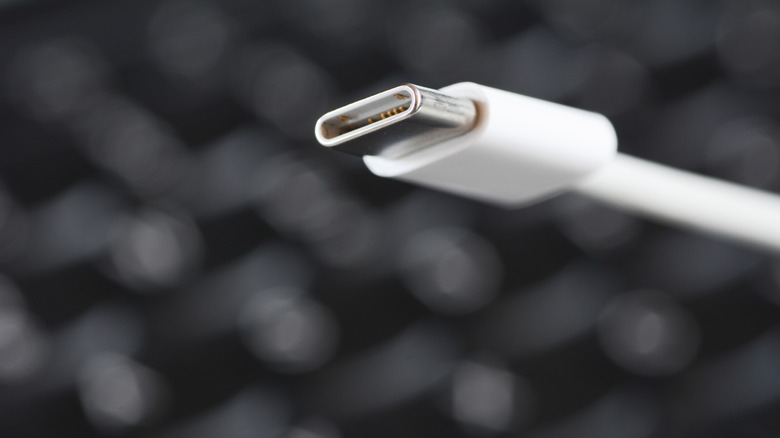
Not all USB-C cables are created equal. We're not talking about a more expensive cable being more durable or using premium materials — rather, different kinds of USB-C cables can have different internals. They can transfer different amounts of power, have different data speeds, and may or may not meet certain USB-IF standards.
USB-C only refers to the shape and design of the connector, not the cable. Two identical-looking USB-C cables can have different numbers of wires inside them, leading to one being more powerful than the other. Different cables come with different limitations, and these can become apparent even if you don't know what kind of cable you're dealing with. Since most USB-C cables lack labels relaying their specs to the buyer, this is one of the biggest annoyances with USB-C.
If your USB-C cable isn't functioning as expected — whether it's charging slower, not transferring data fast enough, or simply refusing to power your devices — there's a chance that nothing is wrong with the cable itself. Some USB-C cables simply support faster charging than others. Cables with USB-PD and E-marker chips can let a higher amperage (usually up to 5 amps) flow through than other USB-C cables, which typically only allow 3 amps. While one can charge your MacBook Pro with ease, the other might struggle to charge your phone. Similarly, there are USB-C cables that support USB4 transfer speeds and can handle large files in seconds, while others only support USB 2.0 and may struggle to send a single video file.
Why your phone or laptop is charging slowly with a USB-C cable
If you've ever wondered why your phone or laptop charges slowly when connected to a certain USB-C cable, there's a good chance the issue has something to do with USB-PD (Power Delivery). In the past, a USB cable could only transfer power at a predefined rate. To make it so different devices can use the same cable and still get the appropriate amounts of power, the Power Delivery standard was introduced. Now, any cable that supports Power Delivery performs a negotiation between the charger and the device being charged to figure out the amount of power to be transferred.
A USB-C cable without Power Delivery will only output up to 15 watts. This is enough to charge older phones but ultimately cannot support fast charging protocols. Cables that support Power Delivery, on the other hand, can output 60 watts and higher. Oftentimes, there's no visual distinction between a cable that supports USB-PD and one that doesn't, as well as between two different Power Delivery cables supporting different amounts of wattage. If your laptop needs 100 watts to charge properly and your cable can only transfer 60 watts, it simply cannot charge at its highest speed.
As if all of that wasn't enough of an annoyance, even a cable supporting Power Delivery may not function properly, depending on certain factors. For example, high-end devices that pull more wattage (100-plus watts) require a cable with a smart E-marker chip for safety. If your USB-C cable doesn't have this chip, the charging may default to a lower Power Delivery speed, leading to slowed charging.
Why some USB-C cables will charge a device but others don't
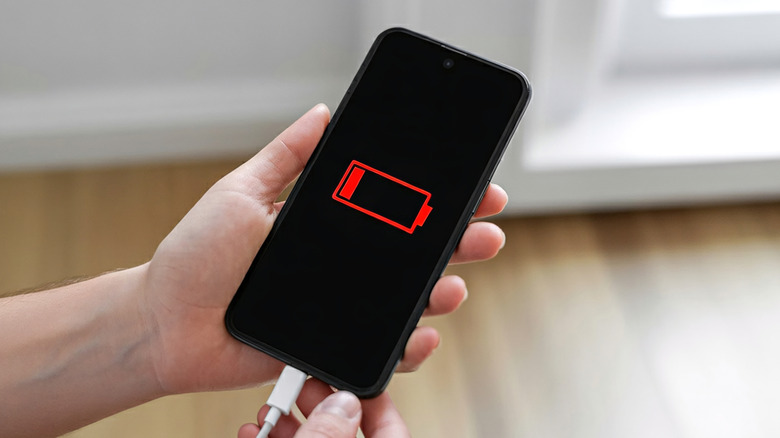
If you're wondering why your USB-C-to-USB-C cable won't charge a certain device while it can charge others, there's another wrinkle to be aware of. Such a scenario can happen when the device being charged is not compatible with the two configuration pins inside USB-C cables.
Electricity can be incredibly destructive, which is why you shouldn't waste money on a cheap charger. The flow of electricity needs a "source" (the charger) and a "sink" (the device being charged), so any cable transmitting power needs to know which direction it should flow in. Without a proper handshake to decide the direction, it would be like plugging two ends of a cable into the same wall outlet, which is incredibly dangerous.
For USB-A to USB-C cables, the direction of power is decided by the physical makeup of the cable, where the USB-A side is always the power source. Since USB-C allows you to use either side as a source and there isn't a significant difference between the two ends, it relies on two configuration pins to figure out which direction the power should flow after communicating with the connected devices. If your device isn't able to communicate with these pins, a negotiation cannot be established, so power simply refuses to flow altogether. This is mostly true for peripherals and other cheap gadgets, though. If your USB-C cable isn't charging your phone, you should try an easy DIY phone fix like cleaning the charging port.