

Palm Pre Review: Part 1
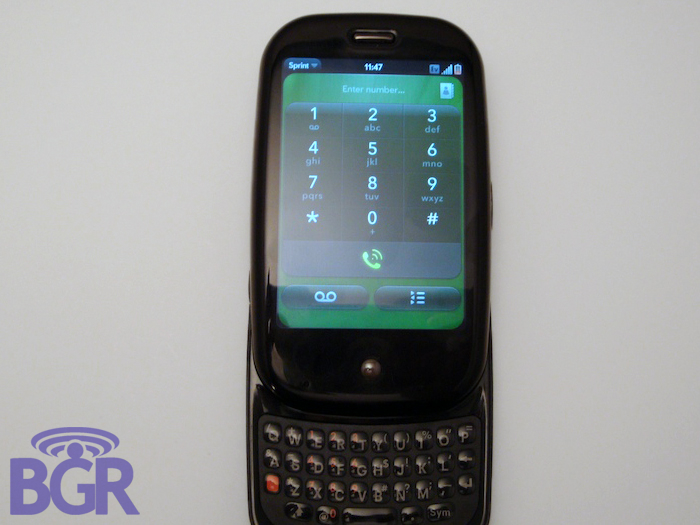
We know, we know. You wanted the review sooner. Well, you know what? It's here now and we've busted through this handset like a Japanese tourist with an SLR in Times Square. So how does the Pre stack up against the competition? Can it contend with the top-of-line smartphones that are currently on the market? Will it end world hunger and bring Isaac Hayes back? Read on for the world's first hands on review of the Palm Pre!
UPDATE: While we believe the OS the Palm Pre is running is the final retail OS, there's still some stuff missing from it. Additionally, the hardware unit itself is 100% a retail unit, yet we weren't able to test things like phone calling for obvious reasons (uh, you call this a review and you can't test the damn phone?). We planned all along to actually do a more thorough review with a retail unit at release, just like we're doing with the BlackBerry Tour 9630. But in the interest of being transparent, we figured we'd update this post and let you guys know that another entire review will be coming. Thanks!
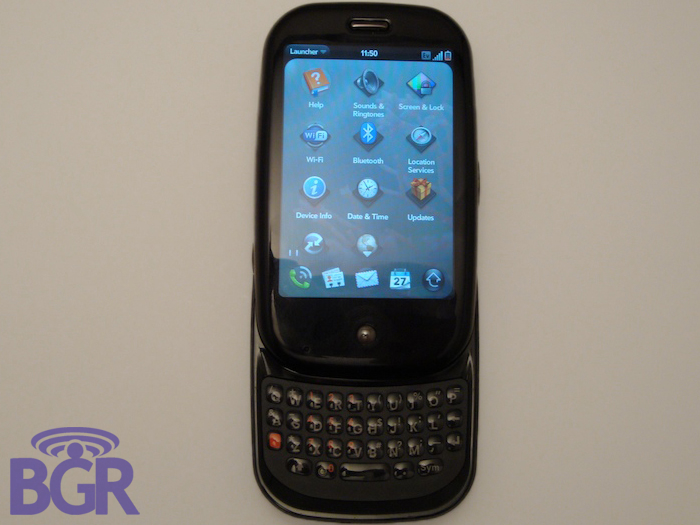
Palm's Mission:
Before we jump into the really, really good parts, we thought it was important to recap the "magic" that Palm has done its best to create. Announced at CES 2009, the Pre was instantly a media smash. At least in the tech world. Journalists, bloggers, consumers, prosumers, even corporate users all wet their pants with excitement in anticipation of the Palm Pre. In the midst of a recession that had slowed most of the tech world down to a crawl, the Pre was a shining beacon of light that represented the most exciting new mobile phone since the iPhone. The problem is, that was six months ago and the average person can't pay attention to something for longer than 52 seconds. Dedicated Pre blogs and a small breed of new fanboys are still on fire of course, but that is hardly a sure sign of commercial success. The question is, has Palm been successful in creating hype with the average consumer? Here we are roughly 8 days away from the launch date and its looking like even if the answer to that question is yes, Palm and Sprint won't have enough inventory to make the launch a success.
Screen:
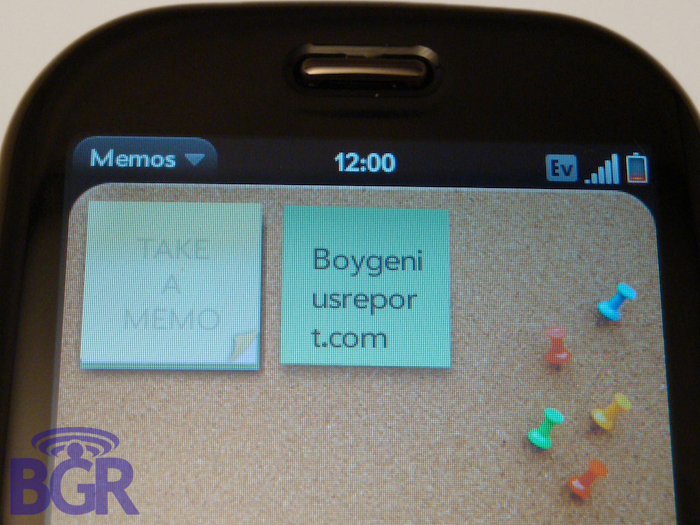
The screen is where the Palm Pre shines. Selections take little to no effort and there's that oh-so-magical water ripple effect when actually touching the display. It's vibrant, rich and all around really clear. Like we said in our Pre-view (har, har), we'd rate it just behind the iPhone's glass capacitive touch screen — it's that close to being perfection. The size difference between the two is really noticeable however, with the Pre having a 3.1 inch display, but as you'll read on later, this makes the device much more pocketable. Just know that as high as your hopes are for the Pre right now, the vibrant display is one area where you will most definitely not be let down.
Keyboard:
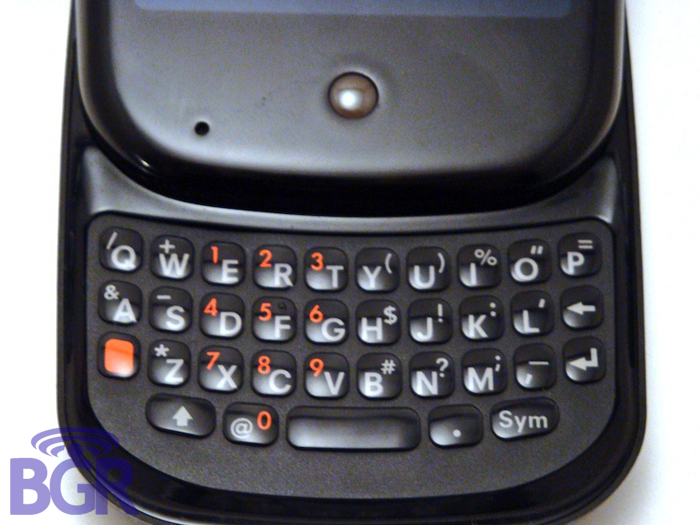
It's really not good. My hands aren't that big (I can type faster than you could ever dream on a BlackBerry, iPhone or E71) and my thumb literally takes up 3 or 4 keys on the keyboard. There's less space in between each key than say, a BlackBerry Curve 8300 keyboard, and the texture takes some time to get used to. It's a rubberized coating kind of like the Centro and Treo Pro, and while the keys are a bit harder (better), the coating could possibly get irritating as usage increases. It's really such an important area that couldn't afford to be messed with and we'll admit it... we're a little let down. You're going after the big guns here, and this is kind of disappointing.
You can't compete with RIM in the keyboard area and you can't compete with Apple in the soft-keyboard area, so how are people going to enjoy using your product when the data entry isn't perfection? It's like buying a brand new Ferrari, but getting an Accord steering wheel. It's not the end of the world, but it isn't greatness.
Size:
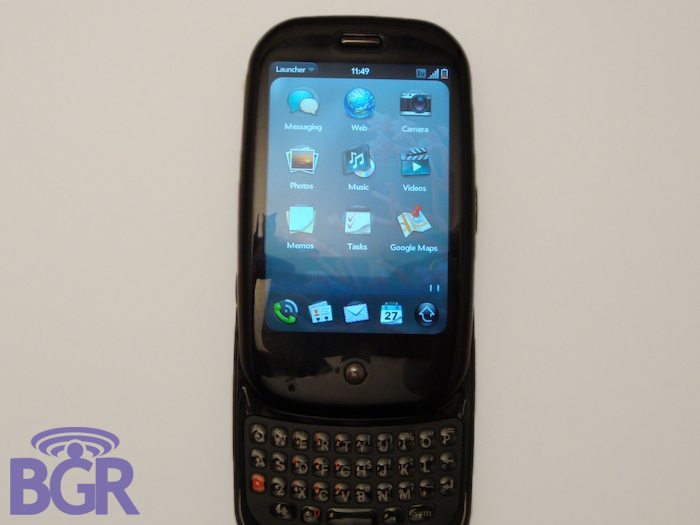
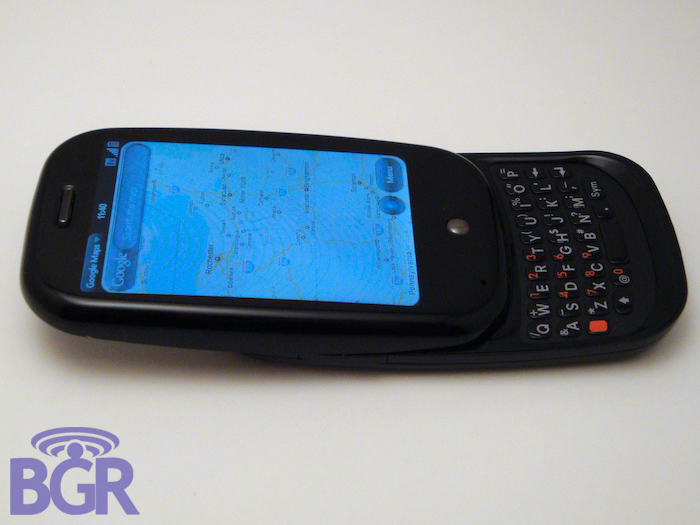
The size of the handset itself is wonderful. Really no complaints. It's fits perfectly in your hand and Palm did a great job blending an awesome touchscreen with a separate multi-touch gesture area, sliding design, and everything else together in this package. It's a happy medium between something larger like a Sidekick and smaller like a BlackBerry Pearl. As far as portability, it fits perfectly in your pocket and some people will love that the phone is so compact when closed — it's really crazy small.
Feel:
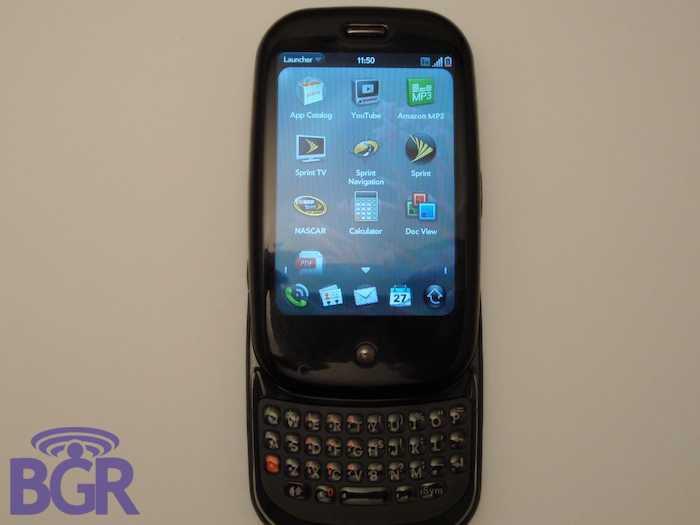
This is an important area when designing a phone. Besides working like you had hoped, you want people to feel like they are holding a quality product, especially when talking about such a high-end product. Well, forget a high-end product, how about the product that everyone is counting on turning your company around? To be honest, the device feels a little cheap. The edges of the bottom piece are sharp on the back of the screen and even worse, when sliding it up and down, the top part that houses the screen will sometimes catch on itself.
It feels good in your hand, but the actual build quality really leaves a lot to be desired. One of our friends that checked it out over here said it felt like a Fisher Price toy. We wouldn't go that far, but it really seems to be constructed with lower-grade materials compared to other flagship phones. One of the things that might be throwing us off is that it just feels so light. It's an odd thing to happen when you're expecting to be heavier than you'd imagine. Normally heavier = higher quality, but we'll have to put the Pre through our usual battery of tests to really determine what's going on here. The takeaway should be that it's really light, feels a tad less expensive than we would have liked, and not as polished as it could have been.
OS:
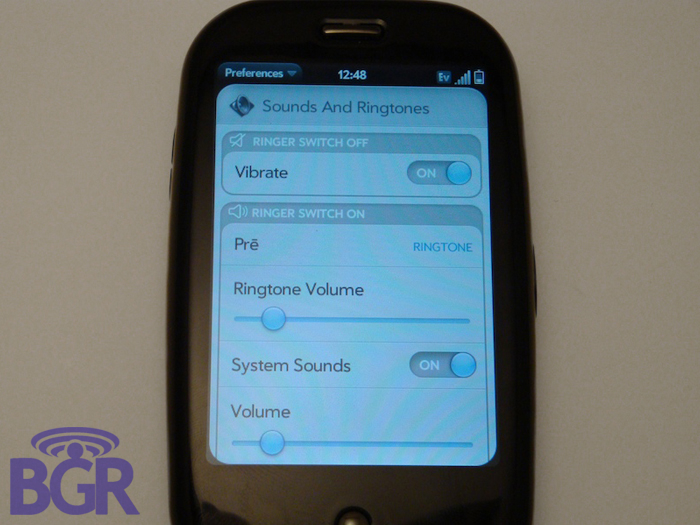
WebOS itself is off to a great start we think. Taking the hardware aspects of the Palm Pre completely out of the equation, it has a bunch of potential. Especially with being public version numero uno. It will be interesting to see how developers try to take advantage of the operating system, yet we can't help but feel it's going to be iPhone web apps all over again until Palm releases an SDK that lets everyone (not just special partners) access areas of the OS that are needed to create applications that aren't just "fluff". Granted Pre apps will be a whole lot better than iPhone web apps ever were; it's disheartening to see something like this happen out of the gate though. They will never be able to compete with the Symbian, Android, BlackBerry and iPhone app stores and services like this. But don't worry too much — we're sure Palm will come around in due time and release an SDK that gives devs access to everything! It's just not optimal out of the gate, that's all.
Switching gears, Synergy is so cool in itself. Well, the concept part of it. We haven't linked everything together yet, but we're not sure if Palm's got the right approach. I mean, I'd like my Facebook contacts in a Facebook application, not in my main contacts app mixed with my Exchange and personal contacts. Obviously you can just not link Facebook, but the point is that centralizing data isn't the end-all answer to our problems. It's just that we have to create and manage them in a clean and organized manner.
Hey, what about Universal Search? Well, it works ok. We guess. It's great they added a Twitter option to it instead of just Google, Wikipedia, and Google Maps, but what good is it when it just launches the respective web page for anything not stored locally? We also wish this could be 3rd party customizable. Imagine being able to integrate your favorite services into the Universal Search card.
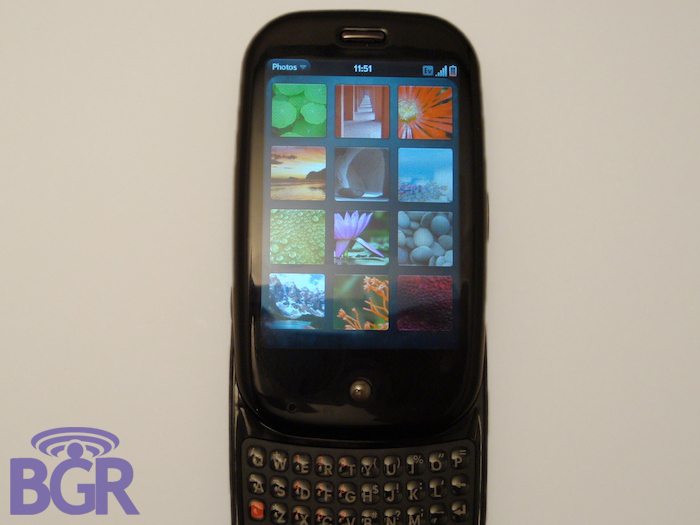
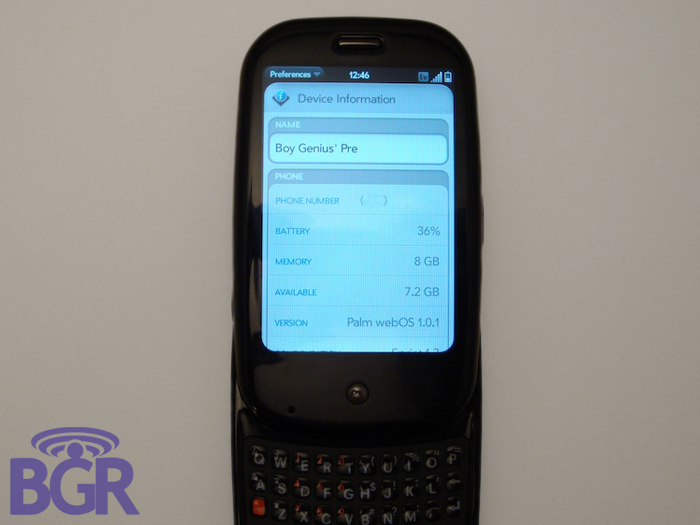
One thing we didn't tell you in our Hands On was that during our first photo session, the device completely reset. Like, wiped clean reset. We had to go through the entire setup process and get the phone up and running. Since we didn't use an account, we're not sure how the backup/restore function works (we haven't tested it yet is what we mean), but everything looks to be tied to a Palm account including IM services, etc. No word on whether or not this is the final shipping OS, though. We hope not.
Multimedia:
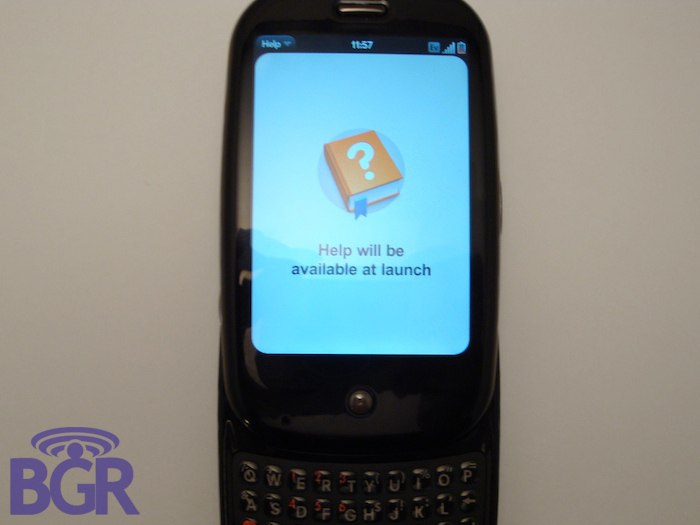
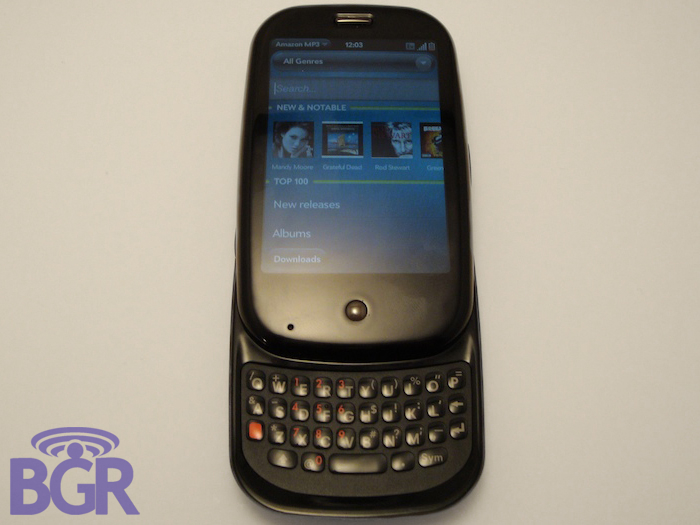
On the unit we received, Multimedia was unable to be explored. It simply linked to non-existent help files (just like the webOS SDK Emulator does). We're pretty sure after 10 years Palm has learned how to make an MP3 player, though, so we'll just give them this one at no charge.
Battery life:
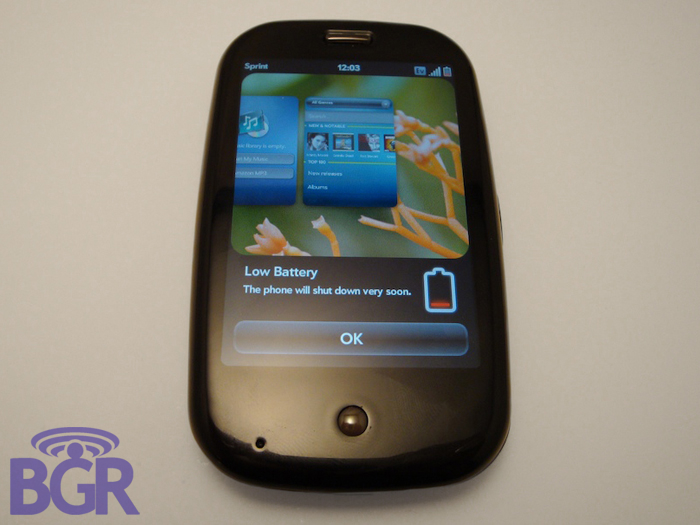
To be really fair, we haven't been able to really put this thing through the ringer in regards to battery life. When we first got it, it had a pretty low charge of around 30% and that lasted for about two and a half hours of us taking photos, going through different options, etc. Take that for what you will but we don't see a problem with Palm's quoted battery life and from other reports, the battery is a pretty decent at keeping you going throughout the day. It is obviously removable which will make a bunch of you either jealous or angries, but for the rest of us, a quick swaparoo means you won't need to lug around a solar charger in your pants. *Gasp*
Browser:
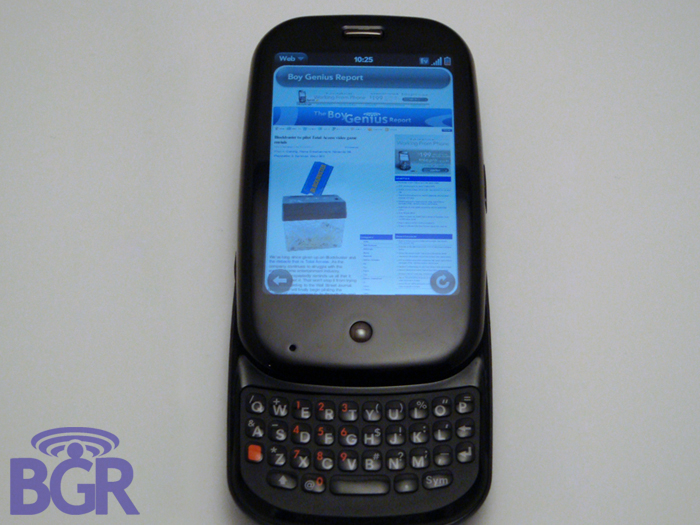
The browser for the most part renders pages properly and pretty quickly. It took around 15-20 seconds to pull up BGR over Sprint's EV-DO connection but navigating is a little bit of a problem. We found that zooming in and out didn't produce a smooth effect, rather it simply increased the size of the page sort of how Internet Explorer zooms in. Panning around was crisp though and the browser was incredibly responsive. It hasn't locked up on us a single time which is pretty impressive considering we beat it up quite a bit, and with plenty of other stuff running as well. Additionally, the accelerometer was absolutely positively instant. The Pre switches between portrait and landscape more than lightning fast, no question, and we can definitely see motion-controlled gaming playing a big role for this little guy. Granted, you know, that little SDK thing happens we talked about earlier...
Applications:
To be honest, there weren't too many applications to explore here. The App Catalog was empty so we were left scrounging around anything that's preloaded. Google Maps was something that will come with every unit so we checked that out first. It works really well. Loading was quick and the location feature and GPS integration was effortless (not just Google Maps but the GPS works really well on this handset).
We ventured deeper and deeper into webOS and you know what we found? The PDF Viewer! It actually is pretty solid but all the Document-related apps on here are viewing capable only, not editors. But that's coming later with DataViz.
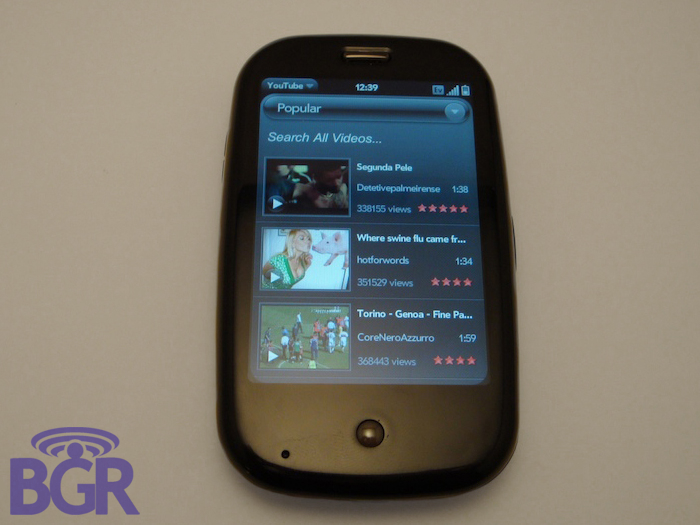
The Media application layout looks really clean as well, you know, before you click something and are taken to the ominous Help files that don't exist yet. The YouTube application that you have all seen by now has an awesome layout and we could see it being used very frequently with no issues.
Conclusion:
Everyone's expectation are set enormously high for this device and it really feels like the original iPhone launch again. Well, maybe not quite as insane but still. Palm has done a masterful job of crafting and molding the hype factor, but there seems to be an underlying issue. In being so secretive, they've let people's imaginations run wild and expectations couldn't possibly be higher.
The OS is great. There's no ifs ands or buts; it's really refreshing to see something that's brand new with a UI unlike anything else out there. The only problem with this is, Palm's never been a hardware company that anyone's really cared about. They have been the furthest thing from innovative since circa-2003 — their hardware has always been second rate at best and it doesn't seem to be changing now. Couple that with the nation's underdog carrier at a $299 price-point (before rebate), and we're not sure how many people are going to be lined up overnight, yet we're pretty confident once people are able to play a real unit themselves, there will be more than a lot of happy Palm Pre customers.
Once the initial Pre launch is over and done with and all the hype, smoke and mirrors are clear though, we can see Palm being pretty successful moving forward. Hell, Palm has converted tons of people into raging Pre fanboys before they could even see the phone in person! Very Apple-esque. More carriers will get the Pre, more handsets will be released and WebOS could very well keep things interesting even if the hardware is lacking.