

Android 2.0 Screenshot Walkthrough
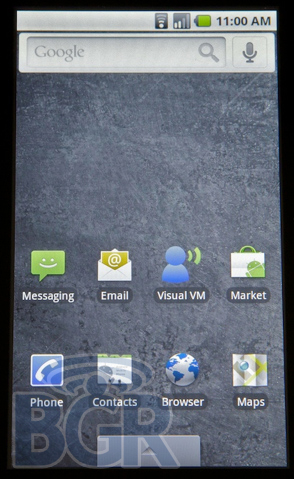
We hope you Android lovers out there are sitting down, because we're about to knock your socks off. Android 2.0 hasn't been released, announced, or even pictured. Until now. And we're doing it like we're doing it for TV — major screenshots and major information right here, just for you, our beloved readers.
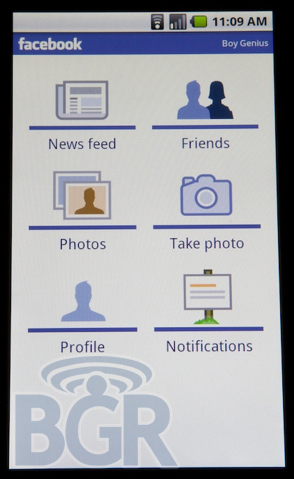
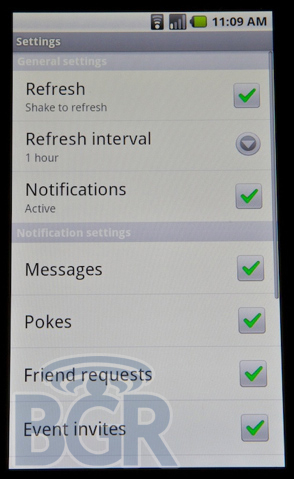
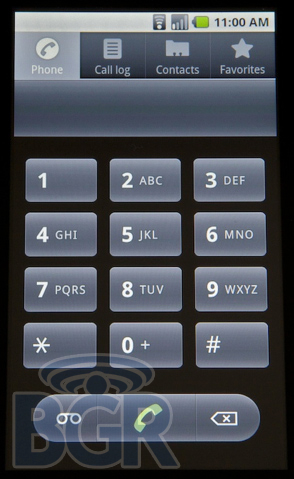
Android 2.0 looks to be a major improvement in Google's mobile OS and we couldn't be more excited about it. From native Exchange support to native Facebook support (it will sync with your contacts), browser improvements, a completely updated Maps application, unified email Inbox — there's much, much more — and a brand new UI makeover, version 2.0 starts to make Android a really viable (and interesting) platform. Bounce over the jump for all the screenshots and our walkthrough!
Please note: this isn't the final build of Android 2.0 and the follow reporting is based on the version we have running. Things can and will change prior to release.
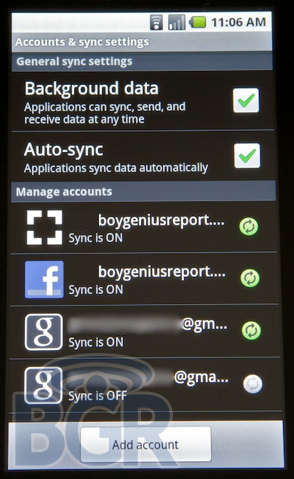
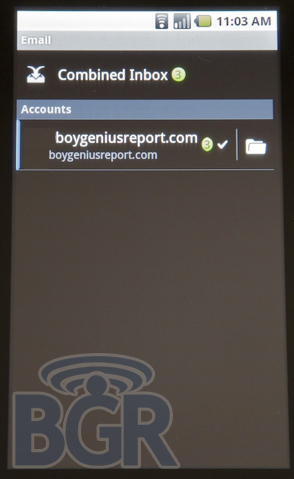
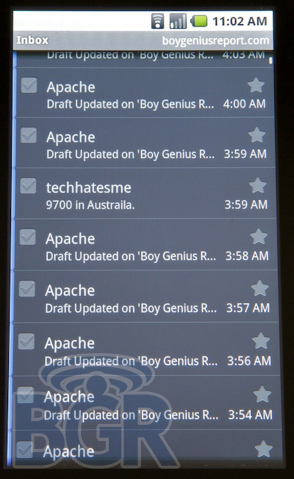
Microsoft Exchange compatibility looks to be built-in to the OS now, and the new unified Inbox is perfect for keeping up with your personal and corporate email. You can star (flag for the corporate world) emails, mark multiple as read or unread, delete, forward — whatever you want basically. Emails load effortlessly. Unfortunately (or not so unfortunately) the unified Inbox won't work with your Gmail account as that uses the specific Google-made Gmail email application in Android.
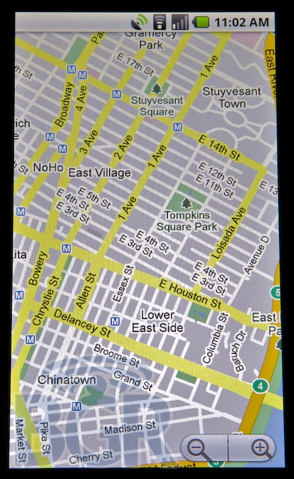
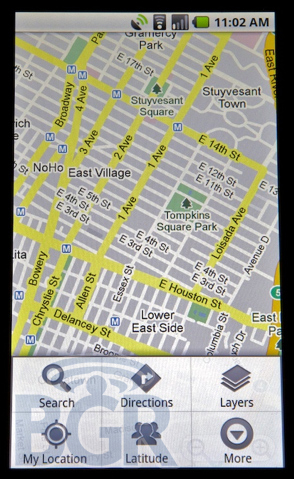
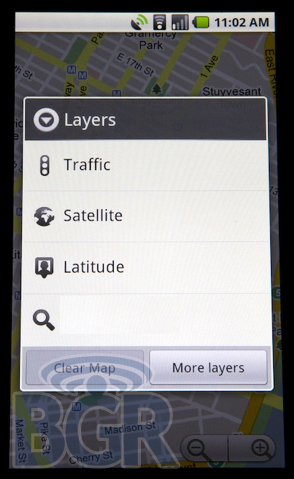

Maps has been updated to include Layers. We'd imagine this will grow over time but now you can overlay search queries, Wikipedia entries, Latitude buddies, traffic, transit lines, and even load remote My Maps where you can share and receive directions with others. Android 2.0 seems to have some multi-touch gestures built-in like two-finger tapping in Maps, that will zoom in, however, there's no gesture to zoom out and pinching doesn't work. © Apple.
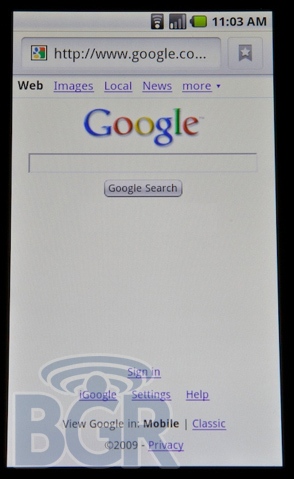
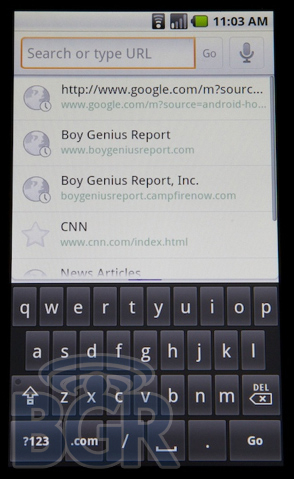

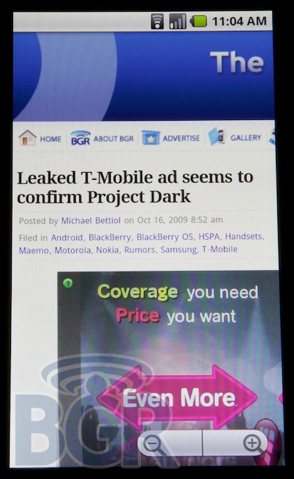
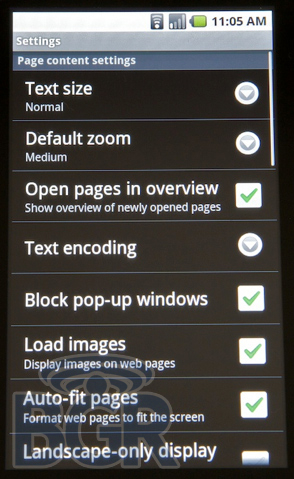
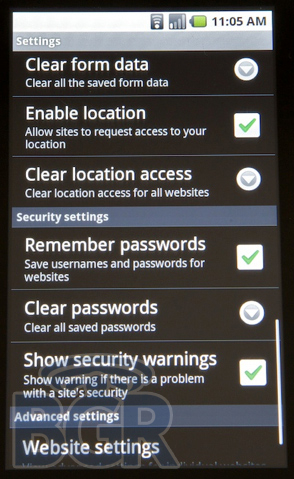
The browser has a nice little UI makeover with a redone URL entry bar which includes a Favicon. In terms of performance, no this version we have doesn't have Flash 10, Google keeps making strides in the browser space. It's worlds better than anything we've used previously on a stock Android OS, and jumps one notch higher than HTC's customized browser. There is not multi-touch in here as of now, but, you can double tap to zoom in and zoom out which is really all we've been asking for since Android 1.0. Oh and did we mention this thing flies? We're talking ridiculously close to iPhone 3GS web page speeds.
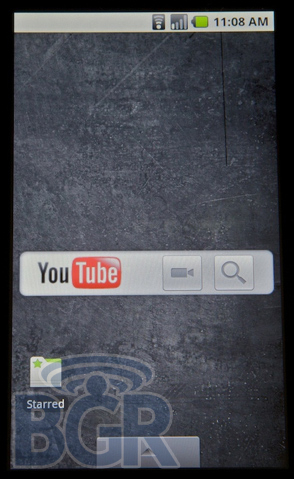
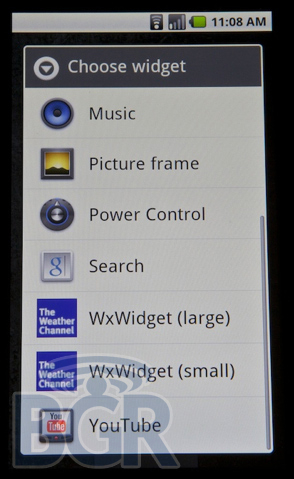
There's now a YouTube widget you can place directly on your homescreen and that allows for literally two-click YouTube video uploads. You hit record, the video recording app launches, you type in a title and description for your newly-recorded video, and it's up and away.
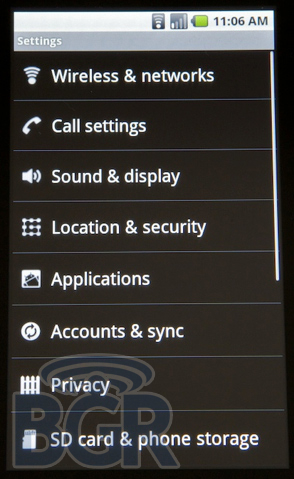
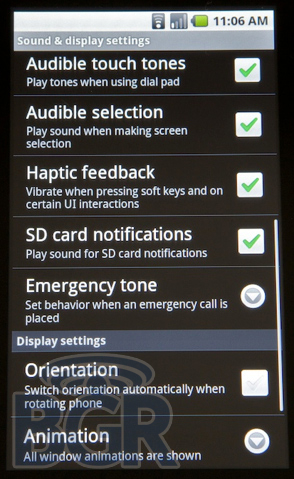

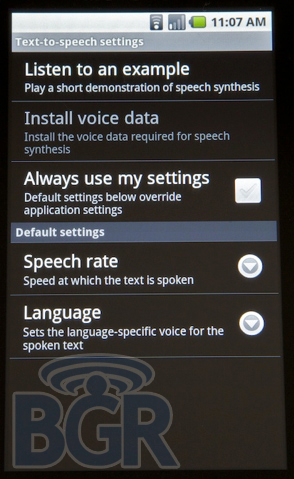
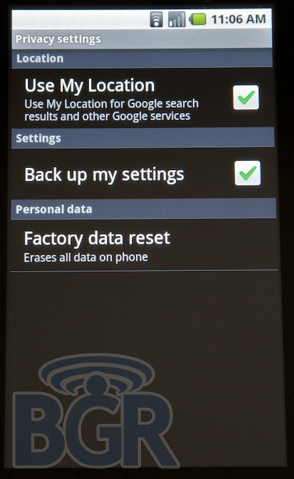
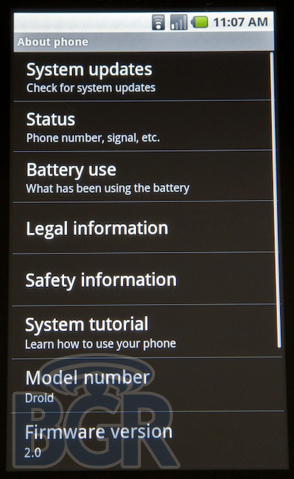
While the settings area is roughly the same overall, there's a lot of interesting additions in 2.0. For starters, there's haptic feedback built-in and a brand new Accessibility option. There's also a new option for Text-to-speech and generally with Android 2.0, you're given more control over the settings of your phone and more opportunities to customize it based on your liking. Something completely bewildering is the fact that if you set a lock code for the phone (seriously give people a choice to use numbers or letters as the passcode), there's no lock interval option, so each time your phone turns off (about every 30 seconds when not in use), you're forced to enter the password again on arrival. Lame.
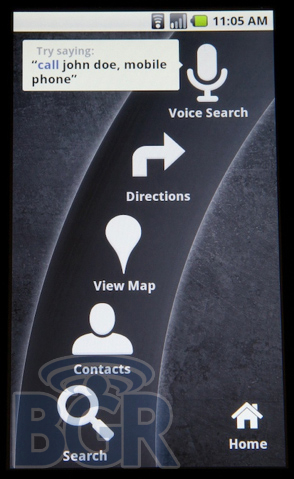
Car Home. What? You don't know what that is? Ok, it's a new application that's meant to be used, uh, in your car. Seriously it's actually quite nice. It's a consolidated list of icons that help you perform things (presumably using voice commands if you're driving). Things like doing a voice search across the internet, getting driving directions, viewing a location on a map, selecting a contact, searching through your phone, etc. It's very cool that you can say, "map of gas stations" and that will open Google Maps and show you on the map where all the gas stations are closest to you. Not exactly new technology, but hey, we didn't say it was. We said this was all about pushing Android forward, and it is.
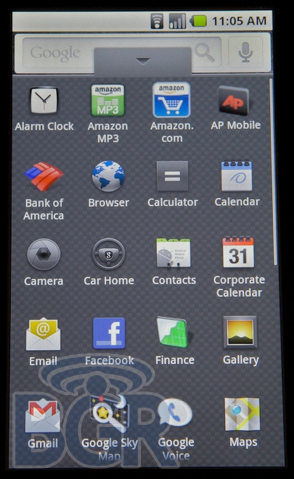
The Amazon MP3 application seems to work over 3G instead of just Wi-Fi now, but whether that is something done because of Android 2.0 or just because of the carrier it's running on, we're not positively sure.
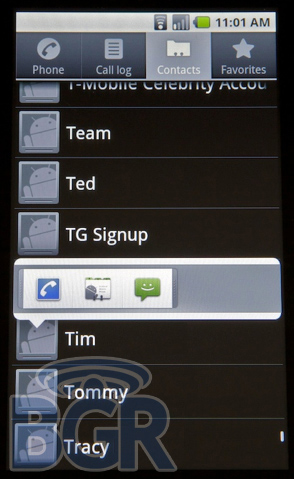
Contacts seem to be much more roomy and there's some great functionality built right in. Instead of hitting the contact and then diving through it to find the contact information you need, just tap the contact's photo. Up will spring a clean and tidy sub-menu with the pertinent information which can be clicked on. Send someone an email instantly, open up their Facebook profile, or even call them! Very cool and all great things that we love seeing.
Things like the music application and gallery application don't look to have changed too much, if at all. There also looks to be some more flexibility when defining homescreen shortcuts and things of that nature.
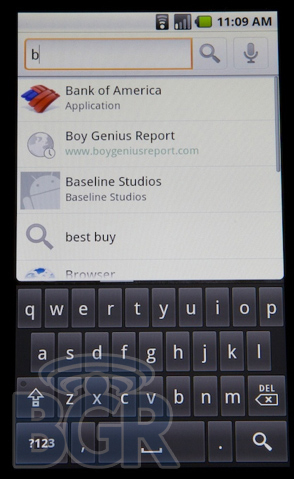
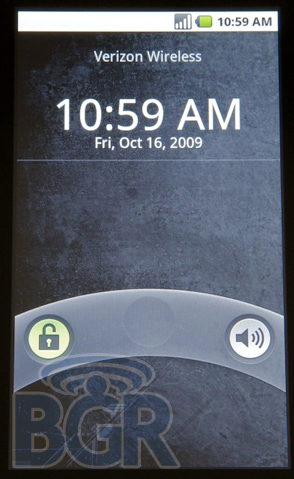
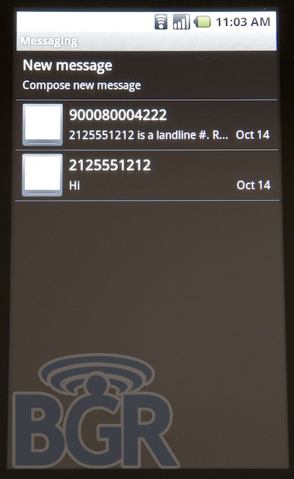

That's all we have for you today, guys. What do you think of Android 2.0 in its not-final version? We're loving it. And it could help that it's running on a pretty bad ass piece of machinery, but hey, that's for another day.